I still remember the day I decided to set up a smart home – I was excited to turn my house into a seamless, interconnected hub, but the journey was far from straightforward. The “quick start” guides that came with each device were often more confusing than helpful, and I found myself wondering if I was the only one who felt like I needed a degree in computer science to make it all work. As it turns out, how to set up a smart home doesn’t have to be a daunting task, and I’m here to guide you through the process with the same patience and clarity that I wish I had back then.
In this article, I’ll walk you through the practical steps to create your dream smart home, from choosing the right devices to troubleshooting common issues. You won’t find any technical jargon or confusing diagrams here – just honest, no-nonsense advice from someone who’s been in your shoes. By the end of this guide, you’ll have a clear understanding of how to set up a smart home that truly makes your life easier, and you’ll be empowered to take control of your technology with confidence.
Table of Contents
Guide Overview: What You'll Need
Total Time: 4 hours 30 minutes
Estimated Cost: $200 – $500
Difficulty Level: Intermediate
Tools Required
- Smartphone (with internet connection)
- Laptop (for configuration and setup)
- Router (for network connection)
- Wireless Range Extender (optional)
- Power Drill (for mounting devices)
- Screwdriver Set (for various devices)
- Pliers (for wire management)
- Wire Strippers (for exposed wires)
- Tape Measure (for measuring cable lengths)
Supplies & Materials
- Smart Home Hub (central control unit)
- Smart Lighting System (with bulbs and switches)
- Security Cameras (with mounting hardware)
- Motion Sensors (for automated lighting)
- Door and Window Sensors (for security alerts)
- Smart Thermostat (for temperature control)
- Ethernet Cables (for wired connections)
- Power Cords (for device power supply)
- Wall Anchors (for mounting devices)
- Cable Ties (for cable management)
Step-by-Step Instructions
- 1. First, let’s start with the basics: determining your smart home goals. What do you want to achieve with your smart home system? Do you want to control the lighting, temperature, or security of your home? Make a list of your priorities, and this will help you decide which devices and systems to invest in. I always recommend starting with a clear idea of what you want to accomplish, as this will make the entire process much smoother.
- 2. Next, you’ll need to choose a smart home hub that will connect all your devices together. There are many options available, such as Samsung SmartThings, Apple HomeKit, or Amazon Alexa. Research each option carefully, considering factors like compatibility, ease of use, and cost. I’ve found that reading reviews from other users can be incredibly helpful in making an informed decision.
- 3. Now it’s time to start selecting the devices that will make up your smart home system. This could include smart light bulbs, thermostats, security cameras, or door locks. Make sure to choose devices that are compatible with your hub, and consider factors like energy efficiency and ease of installation. I always recommend reading the manual (even if it’s just the online version) to get a sense of what’s involved in setting up each device.
- 4. With your devices and hub in hand, it’s time to start setting up your smart home system. Begin by connecting your hub to your router, using an Ethernet cable for a stable connection. Then, follow the manufacturer’s instructions to connect each device to the hub. This process can be a bit tedious, but taking your time and following the instructions carefully will ensure that everything is set up correctly.
- 5. Once all your devices are connected, it’s time to start configuring your smart home system. This will involve setting up scenes and routines, which allow you to control multiple devices with a single command. For example, you could set up a “goodnight” scene that locks all the doors, turns off the lights, and adjusts the thermostat. I find that using a flowchart or diagram can help you visualize how all the different devices will interact with each other.
- 6. Now that your smart home system is up and running, it’s time to test everything out. Go through each room in your house, and make sure that all the devices are responding as they should. Check that your scenes and routines are working correctly, and make any necessary adjustments. This is also a good time to update your devices to the latest firmware, to ensure that you have the latest features and security patches.
- 7. Finally, take some time to customize your smart home system to fit your unique needs and preferences. This could involve setting up voice commands, creating custom scenes and routines, or integrating your smart home system with other devices and services. I always recommend keeping a notebook or log of your customizations, so you can easily refer back to them if you need to make changes in the future.
How to Set Up a Smart Home
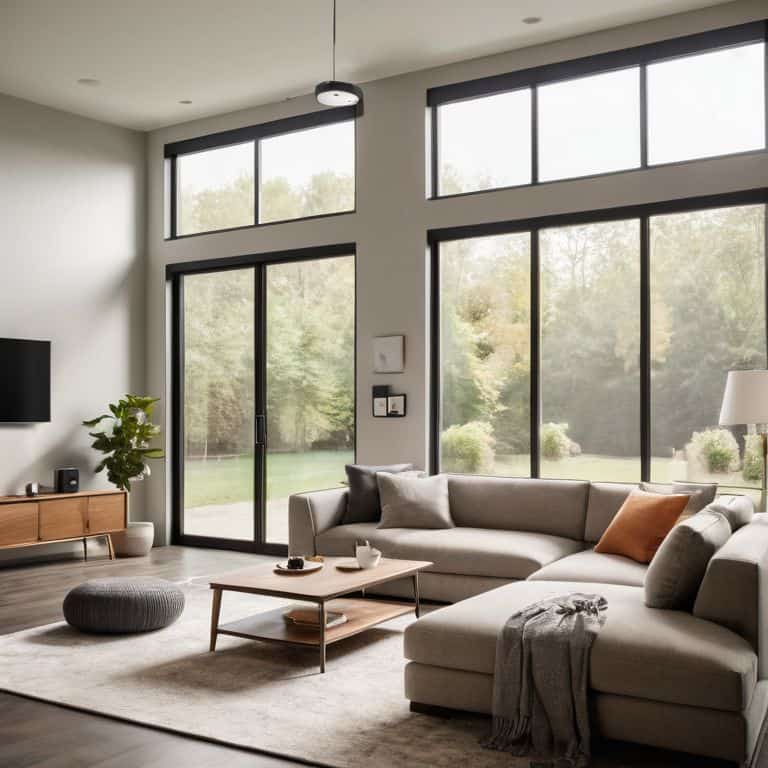
As you delve into the world of smart home automation, it’s essential to consider the smart home automation for beginners. This involves selecting devices that are compatible with your chosen platform, such as Google Home compatible devices or best smart home devices for Alexa. When choosing devices, think about the specific needs of your home and family. For instance, if you want to improve energy efficiency, look into setting up smart plugs that can be controlled remotely.
One of the most significant advantages of a smart home is the ability to control various aspects of your living space with ease. Smart lighting control systems, for example, can be programmed to adjust brightness and color based on the time of day or your activities. This not only enhances ambiance but also contributes to energy efficiency. Additionally, consider investing in intelligent home security systems that can be integrated with your smart home setup, providing an extra layer of safety and peace of mind.
To get the most out of your smart home, it’s crucial to plan carefully and start with small, manageable steps. Begin by identifying areas where automation can make a significant impact, such as lighting or temperature control. Then, gradually add more devices and features, ensuring that each new addition integrates seamlessly with your existing setup. By taking a thoughtful and incremental approach, you can create a smart home that is both functional and enjoyable to live in.
Best Devices for Alexa and Google Home
When it comes to choosing the best devices for your smart home, I always recommend starting with the basics. For Alexa and Google Home, some of my favorite devices include smart light bulbs from Philips Hue and LIFX, as well as smart plugs from TP-Link and Belkin. These devices are easy to set up and integrate seamlessly with your voice assistant, allowing you to control your lights and appliances with just your voice.
I’ve also had great success with smart thermostats like Nest and Ecobee, which can learn your schedule and preferences to optimize your heating and cooling. Additionally, smart security cameras like Ring and Nest Cam provide an extra layer of security and peace of mind. Remember, the key is to start small and build from there – don’t be afraid to experiment and find the devices that work best for you and your smart home.
Smart Home Automation for Beginners
As a beginner, it’s essential to start with the basics of smart home automation. This means understanding how different devices communicate with each other and your hub. I recommend starting with simple automation routines, like turning on your living room lights when you enter the room. Don’t worry if it seems overwhelming at first – we’ll break it down into manageable tasks.
I’ve found that beginners often struggle with device compatibility, so we’ll focus on popular systems like IFTTT and Home Assistant. These platforms make it easy to create custom automations without needing to be a tech expert. By the end of this section, you’ll be well on your way to creating a smart home that’s tailored to your needs and preferences.
5 Essential Tips to Get You Started with Your Smart Home
- Start with a clear plan: Before you begin setting up your smart home, take some time to think about what you want to achieve and which devices you need to make it happen
- Choose a central hub: Selecting the right smart speaker or hub, such as Amazon Alexa or Google Home, will help you control and connect all your devices seamlessly
- Consider compatibility: Ensure that all your devices are compatible with each other and your chosen hub to avoid any connectivity issues
- Begin with simple automations: Start with basic automations, such as turning on lights or adjusting the thermostat, to get a feel for how your smart home devices work together
- Keep it secure: Remember to change default passwords, keep your devices updated, and use strong encryption to protect your smart home network from potential threats
Key Takeaways for Your Smart Home Journey
By following a simple, step-by-step approach, you can transform your house into a smart home that enhances your daily life with convenience, security, and entertainment
Choosing the right devices compatible with your preferred voice assistant, such as Alexa or Google Home, is crucial for a seamless smart home experience
Remember, the key to a successful smart home setup is not just about the technology, but also about understanding your needs and habits to automate and simplify your living space effectively
Setting Up Your Dream Smart Home
The key to a seamless smart home experience isn’t about the gadgets, it’s about creating a space where technology serves you, not the other way around.
Leo Maxwell
Bringing It All Together: Your Smart Home Journey

As we’ve walked through the process of setting up your smart home, I hope you’ve seen how relatively straightforward it can be to create a connected living space. We’ve covered the basics of smart home automation, from choosing the right devices to integrating them seamlessly with voice assistants like Alexa and Google Home. I’ve also shared my own experiences and tips for avoiding common pitfalls, all with the goal of making you feel confident and in control of your technology. Whether you’re just starting out or looking to expand your existing smart home setup, remember that the key to success lies in taking it one step at a time and being patient with the process.
Now that you’ve completed this guide, I want to leave you with a final thought: the true power of smart home technology lies not in the devices themselves, but in the freedom and flexibility they offer. By automating routine tasks and creating a more intuitive living environment, you’re free to focus on the things that truly matter to you. So don’t be afraid to experiment, try new things, and push the boundaries of what’s possible with your smart home. With the right mindset and a little practice, you’ll be living in the future in no time – and I’m excited to see what you’ll achieve!
Frequently Asked Questions
What are the essential devices I need to start building a smart home?
To start building a smart home, you’ll need a few essential devices. I recommend beginning with a smart speaker like Amazon Echo or Google Home, a smart plug, and a smart light bulb. These basics will give you a solid foundation to control and automate your space.
How do I ensure my smart home devices are compatible with each other?
To ensure compatibility, I always check the device’s specs for protocols like Zigbee, Z-Wave, or Bluetooth. I also look for certifications like “Works with Alexa” or “Google Home Compatible.” My rule of thumb? Start with a central hub, like a smart speaker, and choose devices that integrate seamlessly with it.
What are the basic security measures I should take to protect my smart home network?
To secure your smart home network, start by changing the default router password and enabling WPA2 encryption. Use strong, unique passwords for each device and consider setting up a guest network to isolate your smart devices from your main network. Have you tried turning off any unused devices to reduce potential vulnerabilities?