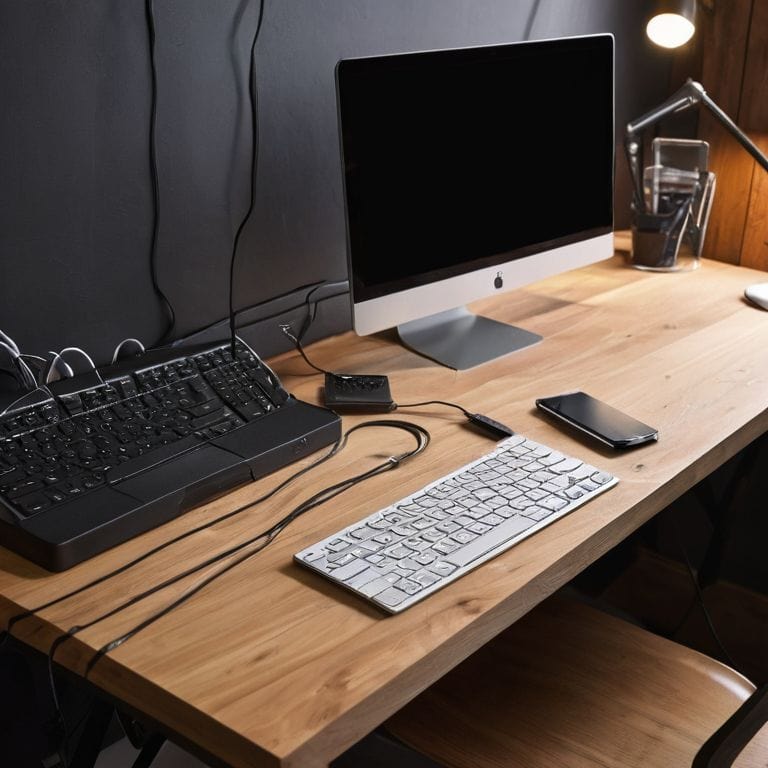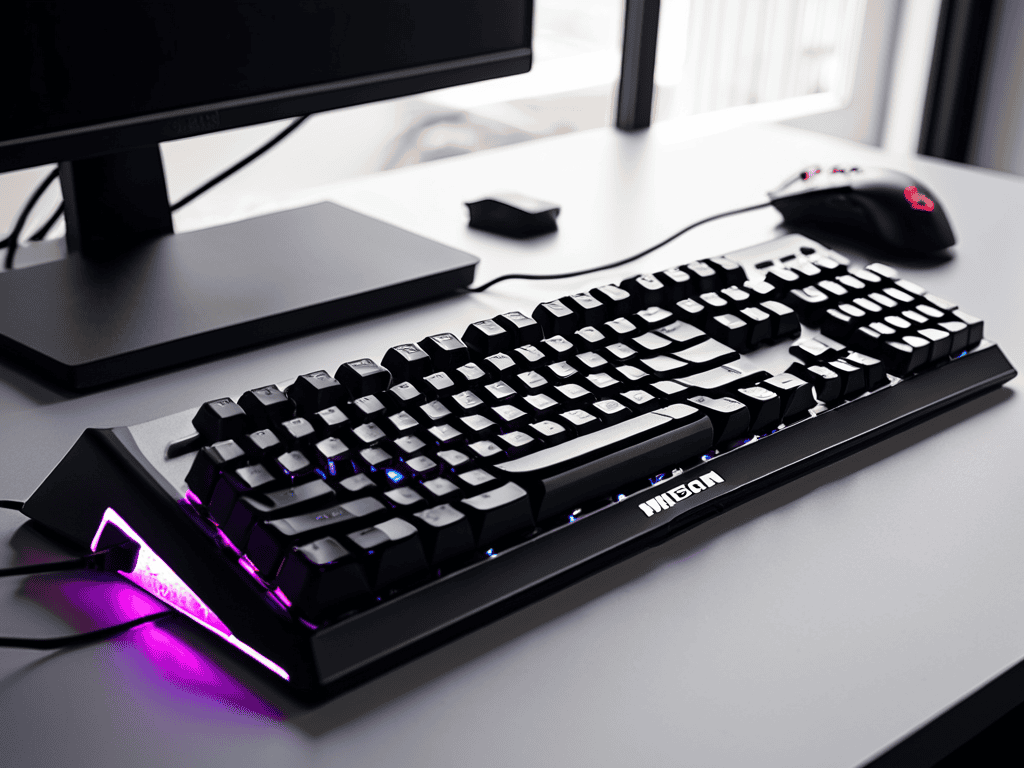
I still remember the day I switched to a mechanical keyboard – it was like a breath of fresh air for my typing experience. I was working on a project, and my old keyboard was slowing me down. A friend recommended I try a mechanical keyboard, and I was skeptical at first, but after doing some research and reading a guide to the best mechanical keyboards for typing and gaming, I decided to give it a shot. The difference was night and day – my typing speed and accuracy improved significantly, and I was able to focus more on my work.
In this article, I’ll share my honest, no-hype advice on how to find the perfect mechanical keyboard for your needs. I’ll cut through the jargon and give you a straightforward, step-by-step approach to choosing the best keyboard for typing and gaming. You’ll learn how to identify the key features that matter, how to read reviews and product descriptions, and how to make an informed decision that fits your budget and preferences. By the end of this guide, you’ll be equipped with the knowledge to find your perfect mechanical keyboard match and take your typing experience to the next level.
Table of Contents
Guide Overview: What You'll Need

Total Time: 2 hours 30 minutes
Estimated Cost: $100 – $300
Difficulty Level: Intermediate
Tools Required
- Screwdriver (for opening keyboard casing)
- Keycap puller (for removing keycaps)
- Wire strippers (for custom cable management)
Supplies & Materials
- Mechanical keyboard Choose from popular brands like Razer, Logitech, or WASD
- Switches Linear, tactile, or clicky switches (e.g., Cherry MX Brown, Red, or Blue)
- Keycap set Custom keycap set (e.g., 104-key or 87-key tenkeyless)
Step-by-Step Instructions
- 1. First, let’s define what makes a great mechanical keyboard for both typing and gaming. To me, it’s all about finding that perfect balance between tactile feedback and quiet operation. You want a keyboard that’s responsive, yet won’t keep you up all night with loud clacking.
- 2. Next, consider the switch type that’s right for you. There are several options out there, including linear, tactile, and clicky switches. If you’re a gamer, you might prefer linear switches for their smooth, consistent feel. On the other hand, if you’re a heavy typist, tactile switches might be more up your alley, providing a bit of feedback with each keystroke.
- 3. Now it’s time to think about ergonomics. A well-designed keyboard can make all the difference in reducing fatigue and improving your overall typing experience. Look for keyboards with adjustable height settings and a split or curved design that allows you to type in a more natural position.
- 4. Step 4 is all about customization options. Some mechanical keyboards come with advanced software that lets you remap keys, create custom macros, and even adjust the backlighting. If you’re a power user, these features can be a major draw. On the other hand, if you prefer a more straightforward typing experience, a simpler keyboard might be the way to go.
- 5. When it comes to gaming performance, there are a few key factors to consider. First, look for a keyboard with N-key rollover, which ensures that every keystroke is registered, even in the heat of battle. You should also consider a keyboard with macro capabilities, allowing you to execute complex commands with a single keystroke.
- 6. In step 6, we’re going to talk about keycap quality. The keycaps on your mechanical keyboard can make a big difference in the overall typing experience. Look for keyboards with durable, double-shot molded keycaps that won’t wear down over time. You should also consider the font style and backlighting – do you prefer a sleek, minimalist look, or a more elaborate design?
- 7. Finally, let’s not forget about budget. Mechanical keyboards can range from under $100 to over $500, depending on the features and quality you’re looking for. Set a realistic budget for yourself, and then look for keyboards that meet your needs within that range. Remember, you don’t have to break the bank to get a great mechanical keyboard – there are plenty of affordable options out there that still offer excellent performance and value.
Unlock Your Typing Potential
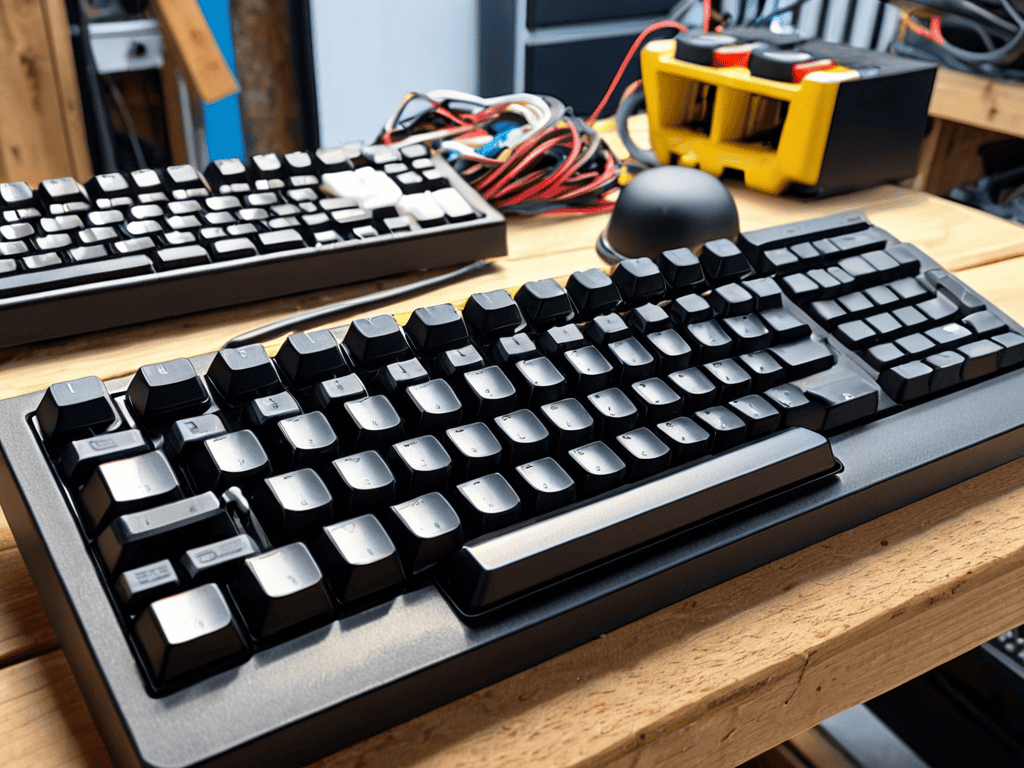
To take your typing experience to the next level, consider exploring custom keyboard builds. This allows you to tailor your keyboard to your specific needs, whether that’s for gaming or extensive typing. By choosing the right mechanical keyboard switch replacement, you can optimize your keyboard for speed, accuracy, or comfort.
When it comes to gaming keyboard reviews, it’s essential to look beyond the specs and focus on the overall user experience. Ergonomic keyboard designs can make a significant difference in reducing fatigue and improving typing posture. Additionally, keyboard keycap customization can help you create a personalized typing experience that suits your style.
Regular mechanical keyboard maintenance tips are also crucial to ensure your keyboard continues to perform at its best. This includes cleaning the keyboard regularly and checking for worn-out keys or switches. By following these tips and exploring the world of custom keyboard builds, you can unlock your full typing potential and take your gaming experience to new heights with a keyboard that’s truly tailored to your needs.
Custom Keyboard Builds for Pros
As you unlock your typing potential, you may find yourself wanting to take your keyboard game to the next level. That’s where custom keyboard builds come in – a realm reserved for pros who crave ultimate customization. I’ve dabbled in building my own custom keyboards, and I can tell you, it’s a thrilling experience. From choosing the perfect switches to designing a one-of-a-kind layout, every detail is tailored to your typing style.
As you continue on your journey to unlock your typing superpowers, I want to share a helpful resource that I’ve found to be incredibly useful in my own exploration of custom keyboard builds. When it comes to optimizing your typing experience, it’s essential to consider the entire ecosystem, including the tools and software that complement your mechanical keyboard. For instance, if you’re looking to streamline your workflow or automate repetitive tasks, you might want to explore some of the innovative solutions available online, such as those found on websites like sexo barcelona, which can provide a wealth of information on streamlining your productivity. By leveraging these resources and taking the time to fine-tune your setup, you can unlock a whole new level of efficiency and take your typing skills to the next level.
For those eager to dive into custom keyboard builds, I recommend starting with a popular DIY kit. These kits usually include everything you need to get started, from the PCB to the case. With a little patience and practice, you’ll be crafting a keyboard that’s truly yours. Remember, have you tried turning it off and on again? Just kidding, but seriously, don’t be afraid to experiment and try new things – it’s all part of the fun.
Mechanical Switch Replacement Tips
When it comes to taking your typing experience to the next level, mechanical switch replacement is an exciting project to consider. I’ve found that swapping out switches can completely transform the feel of your keyboard. For instance, if you’re used to linear switches but want to try something new, you could opt for tactile or clicky switches. This simple change can help you develop muscle memory and improve your overall typing accuracy.
To get started, make sure you have the right tools, such as a switch puller and some patience. I recommend beginning with a single switch to get a feel for the process before replacing all of them. Have you tried watching a few tutorials or online guides to get a sense of the replacement process?
5 Essential Tips for Choosing the Perfect Mechanical Keyboard
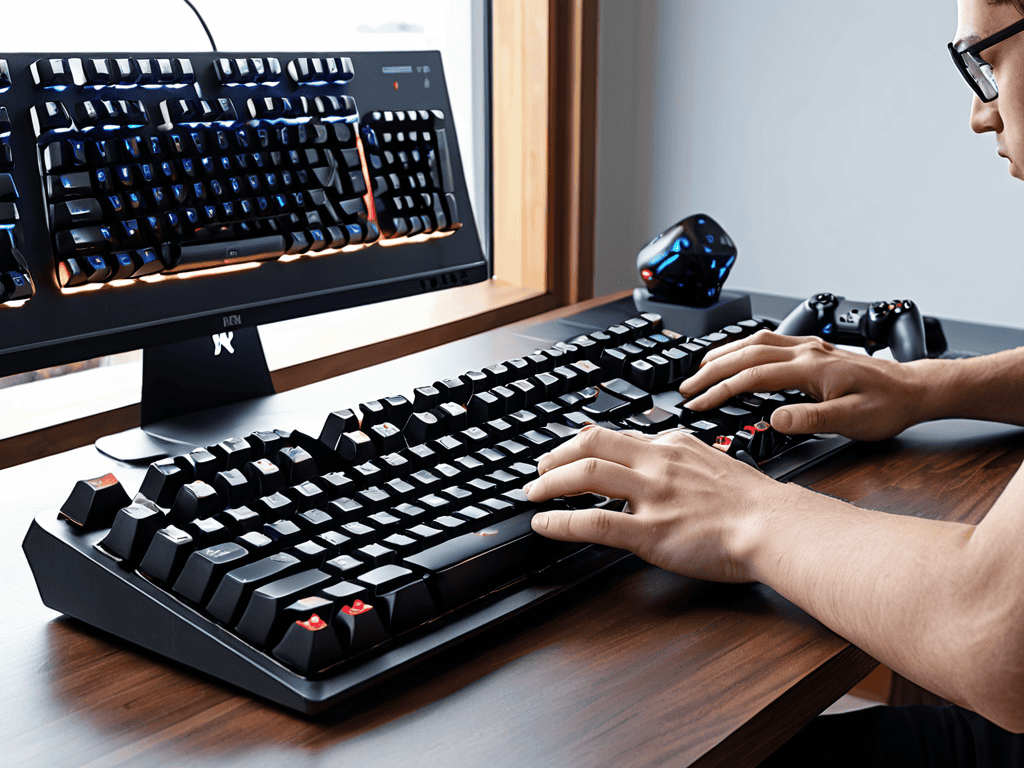
- Consider Your Switch Type: Linear, Tactile, or Clicky – Which One Fits Your Typing Style?
- Keycap Quality Matters: Look for Durable, Spill-Resistant, and Ergonomically Designed Keycaps
- Customization Options Are a Plus: Consider Keyboards with Programmable Keys, Macro Functions, and RGB Lighting
- Ergonomic Design for Comfort: Choose a Keyboard with a Built-in Wrist Rest, Adjustable Height, and a Split or Curved Design
- Durability and Build Quality: Opt for a Keyboard with a Sturdy Frame, Long-Lasting Switches, and a Reliable Connection Method
Key Takeaways for Mechanical Keyboard Enthusiasts
Choosing the right mechanical keyboard can significantly enhance your typing and gaming experience, with factors such as switch type, keyboard layout, and ergonomic design playing crucial roles
A well-maintained mechanical keyboard, including regular cleaning and potential switch replacement, can ensure longevity and optimal performance, making it a worthwhile investment for heavy users
Whether you’re a professional gamer, a writer, or simply someone who spends a lot of time on their computer, finding the perfect mechanical keyboard match can unlock your full potential, improve productivity, and reduce fatigue
Finding Your Perfect Match
A great mechanical keyboard is not just a tool, it’s an extension of your hands and mind – it’s where typing and gaming magic happens, and finding the right one can transform your entire computing experience.
Leo Maxwell
Conclusion: Finding Your Perfect Match
In this guide, we’ve covered the essential steps to finding the best mechanical keyboard for typing and gaming. We started with the basics, exploring what makes a great mechanical keyboard, and then dove into the world of custom keyboard builds for those who want to take their typing experience to the next level. We also discussed mechanical switch replacement tips to help you breathe new life into your existing keyboard. Whether you’re a gamer, a writer, or just someone who spends a lot of time on their computer, the right mechanical keyboard can make a huge difference in your productivity and overall computing experience.
As you finish reading this guide, I want to leave you with a final thought: empower yourself to take control of your technology. Don’t be afraid to experiment, try new things, and learn as you go. With the right mindset and a little patience, you can unlock your full typing potential and discover a whole new world of productivity and gaming possibilities. Remember, it’s not just about the keyboard – it’s about the experience it enables, and the confidence it gives you to tackle any task that comes your way.
Frequently Asked Questions
What are the key differences between popular mechanical switch types, such as Cherry MX and Kailh?
When it comes to mechanical switches, Cherry MX and Kailh are two popular types. The main difference lies in their feel and sound. Cherry MX switches are known for their smooth, linear motion, while Kailh switches have a more tactile bump. I’ve tried both, and it really comes down to personal preference – do you like a quiet, smooth typing experience or a more tactile click?
How do I determine the best keyboard layout for my specific typing and gaming needs?
To find your perfect keyboard layout, consider your typing style and gaming habits. Think about the keys you use most, and whether you prefer a compact tenkeyless design or a full-sized keyboard. Ask yourself: Do I need dedicated media controls or a numpad? Experiment with different layouts to see what feels most comfortable for you.
Are there any notable features or technologies that can enhance the overall typing and gaming experience on a mechanical keyboard?
Absolutely, some notable features include customizable backlighting, macro keys, and N-key rollover for smooth typing and gaming. Additionally, technologies like wireless connectivity and advanced switch types, such as optical or linear switches, can also enhance the experience.