I still remember the first time I tried to set up a smart home routine – it was a frustrating mess of confusing guides and misleading tutorials. The so-called “quick start” manuals had me running in circles, and I ended up spending hours trying to figure out why my devices wouldn’t sync. But here’s the truth: learning how to create your first smart home routine doesn’t have to be a headache. In fact, with the right approach, it can be a straightforward and enjoyable process. If you’re looking to dive into the world of smart home automation and want to know how to create your first smart home routine, you’re in the right place.
In this article, I’ll walk you through the simple, step-by-step process of creating your first smart home routine, free from technical jargon and confusing terminology. You’ll learn how to choose the right devices, set up seamless automation, and troubleshoot common issues. My goal is to empower you with the knowledge and confidence to take control of your smart home, and make the most out of its capabilities. By the end of this guide, you’ll be well on your way to creating a smart home ecosystem that makes your life easier, more convenient, and more enjoyable.
Table of Contents
Guide Overview: What You'll Need
Total Time: 1 hour 15 minutes
Estimated Cost: $50 – $100
Difficulty Level: Easy
Tools Required
- Smartphone (with internet connection)
- Computer (with internet connection)
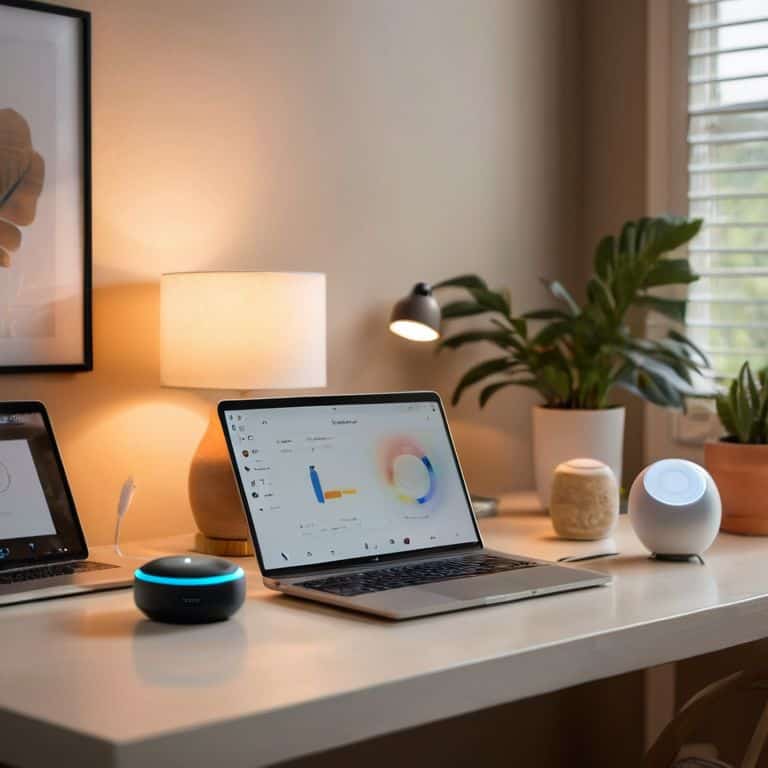
- Smart Home Hub (e.g., Amazon Echo, Google Home)
Supplies & Materials
- Smart Plugs (at least 2)
- Smart Light Bulbs (at least 2)
- Internet Connection (stable and secure)
Step-by-Step Instructions
- 1. First, let’s start by understanding what a smart home routine is. It’s essentially a set of automated actions that your smart devices will perform based on certain conditions or triggers. For example, you can create a routine that turns on the lights in your living room when you enter the house. To begin, make sure you have a smart home hub or a device that can control other smart devices, such as an Amazon Echo or Google Home.
- 2. Next, identify the devices you want to include in your routine. Take a walk around your house and make a list of all the smart devices you have, such as light bulbs, thermostats, security cameras, and door locks. Consider which devices you want to automate and what actions you want them to perform. For instance, you might want to turn off all the lights when you leave the house or adjust the thermostat when you go to bed.
- 3. Now, open the app associated with your smart home hub or device. This is usually where you’ll find the option to create new routines. Look for a section called “Routines” or “Automations” and click on it. You might need to log in to your account or grant the app permission to access your devices.
- 4. In the Routines section, select the option to create a new routine. You’ll typically be asked to choose a trigger, which is the event that will activate the routine. Common triggers include entering or leaving a location, a specific time of day, or a manual command from a voice assistant. Choose a trigger that makes sense for the devices and actions you want to automate.
- 5. Once you’ve chosen your trigger, configure the actions that will occur when the routine is activated. This might involve selecting which devices to turn on or off, adjusting their settings, or sending notifications to your phone or email. Be sure to test each action to ensure it’s working as expected and make any necessary adjustments.
- 6. After configuring the actions, review and save your routine. Give your routine a descriptive name, such as “Good Morning” or “Leaving the House,” and make sure you understand what will happen when the routine is triggered. You might also want to test the routine manually to ensure everything is working as expected.
- 7. Finally, test your routine in real-world scenarios to ensure it’s working as intended. Try triggering the routine at different times of day, with different devices, and in different locations to see if it behaves consistently. If you encounter any issues, go back and adjust the trigger or actions as needed. Remember, the key to a successful smart home routine is to keep it simple and flexible, so don’t be afraid to experiment and make changes until you find a routine that works perfectly for you.
Unlock Smart Home Secrets
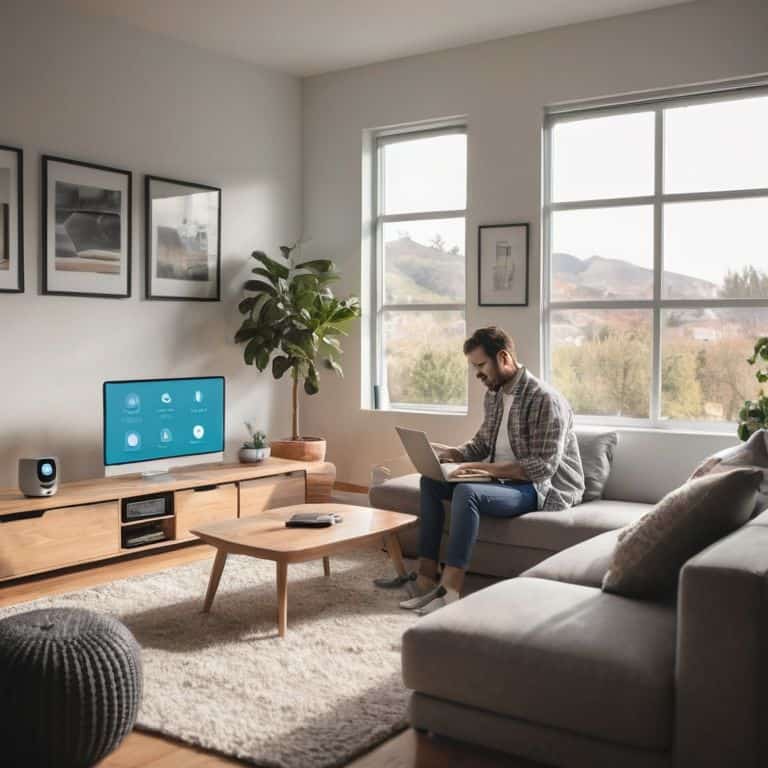
As you delve deeper into the world of smart home automation, you’ll discover that beginner smart home automation is all about simplicity and convenience. One of the most powerful tools at your disposal is IFTTT (If This Then That), which allows you to automate daily tasks with ease. By creating custom recipes, you can seamlessly integrate your devices and services, making your life easier and more efficient.
When it comes to smart lighting control systems, it’s essential to consider compatibility and scalability. Look for devices that are compatible with your existing setup and can be easily integrated with other smart devices. This will ensure a smooth smart home experience and allow you to expand your system as needed. Additionally, consider investing in a home security camera setup to add an extra layer of protection and peace of mind to your smart home.
By following these tips and experimenting with different voice assistant integration tips, you’ll be well on your way to creating a truly automated and connected home. Remember to start small and build upon your existing setup, and don’t be afraid to try new things and automate daily tasks with IFTTT. With patience and practice, you’ll be enjoying the benefits of a fully integrated smart home in no time.
Beginner Automation Magic
Now that we’ve unlocked some smart home secrets, let’s dive into the beginner automation magic that will take your home to the next level. I like to think of it as casting your first automation spell – it’s exhilarating and sets the stage for more complex routines. With just a few simple steps, you can start making your life easier and more convenient. For instance, you can automate your lights to turn on as you enter a room or have your favorite coffee brewer start making a fresh pot every morning at 7 am.
As you start experimenting with automation, remember to keep it simple and have fun. Don’t be afraid to try new things and see what works best for you and your home. I always say, “Have you tried turning it off and on again?” – it’s a simple yet effective troubleshooting tip that can save you a lot of frustration. With practice, you’ll become a smart home wizard, effortlessly conjuring up automation magic to make your life more enjoyable and stress-free.
Voice Assistant Integration Tips
When it comes to voice assistant integration, I always say it’s the icing on the cake. You’ve got your devices connected, your routines set up – now it’s time to make it all accessible with just your voice. I recommend starting with simple commands, like “turn on the living room lights” or “play some jazz music.” As you get more comfortable, you can start exploring more advanced features like multi-step routines or even custom skills.
For me, the key to seamless voice integration is consistency. I make sure all my devices are labeled clearly and consistently, so my voice assistant knows exactly what I’m referring to. It’s also worth exploring the various voice assistant platforms – I personally use a mix of Alexa and Google Assistant in my home, and I’ve found that each has its own strengths and weaknesses. By taking the time to set up your voice assistant just right, you’ll be amazed at how intuitive and powerful your smart home can become.
5 Essential Tips for Your First Smart Home Routine
- Start small and focus on one room or area of your home to begin with, this will help you get a feel for how automation works and what devices you need
- Choose devices that are compatible with your existing smart home ecosystem, such as Amazon Alexa or Google Home, to ensure seamless integration
- Consider your daily routines and habits when setting up your smart home automation, for example, you can set your lights to turn on and off at certain times of the day
- Use IFTTT (If This Then That) or similar services to create custom recipes that automate multiple devices with a single command, making your life easier and more convenient
- Test and refine your smart home routine regularly to ensure it’s working as intended and make adjustments as needed to optimize performance and efficiency
Key Takeaways for Your First Smart Home Routine
By following the step-by-step guide, you can create your first smart home routine and start enjoying the benefits of a seamlessly integrated home
With the right voice assistant integration and beginner-friendly automation techniques, you can unlock a world of smart home possibilities and make your life easier
Remember, the key to mastering smart home automation is to start small, be patient, and have fun experimenting with new recipes and routines to find what works best for you
Smart Home Wisdom
The key to creating your first smart home routine isn’t about mastering complex technology, but about understanding how you want your home to make your life easier – and then making it happen, one automation at a time.
Leo Maxwell
Bringing It All Together: Your Smart Home Journey

As we wrap up this guide on creating your first smart home routine, let’s take a moment to review the key steps we’ve covered. From setting up your devices to integrating voice assistants, we’ve broken down the process into manageable tasks. Remember, the goal is to make your life easier, so don’t be afraid to experiment and fine-tune your routines as you get more comfortable with the technology. Whether you’re using IFTTT or Home Assistant, the principles remain the same: simplicity, automation, and convenience.
Now that you’ve dipped your toes into the world of smart home automation, I hope you’re excited to see where this journey takes you. The possibilities are endless, and with each new routine you create, you’ll become more confident in your ability to harness the power of technology. So, go ahead, dream up your next automation project, and don’t hesitate to reach out if you need guidance – the smart home community is always here to help. Happy automating, and I’ll see you in the next guide!
Frequently Asked Questions
What devices are compatible with my smart home system and how do I integrate them?
Let’s explore compatible devices for your smart home system. Check your system’s official website for a list of supported devices, such as Philips Hue bulbs or August smart locks. I’ve found that most systems work seamlessly with devices from major brands. You can usually integrate them through the system’s app or website, following the manufacturer’s instructions.
How do I set up voice commands for my smart home routine using my voice assistant?
To set up voice commands, go to your voice assistant’s app, navigate to the ‘Skills’ or ‘Actions’ section, and enable the relevant smart home devices. Then, use the ‘Routines’ feature to create custom voice commands, like “Good morning” to turn on lights and start your day. Have you tried turning off and on the device to ensure it’s properly synced?
Can I customize my smart home routine to trigger automatically at specific times of the day or based on certain conditions?
Absolutely, you can customize your smart home routine to trigger automatically. I call it “Automation on Steroids.” You can set specific times, like turning on lights at sunrise, or base it on conditions, such as when you leave a room. I’ll show you how to use IFTTT or Home Assistant to make it happen, and trust me, it’s easier than you think.