I still remember the first time I encountered a high refresh rate monitor – it was like a breath of fresh air in a world of stuttering screens. I was working with a client who was frustrated with their computer’s performance, and after swapping out their old monitor for a high refresh rate one, the difference was night and day. But what is a high refresh rate monitor, really? It’s not just some fancy tech term – it’s a game-changer for anyone who spends a lot of time in front of a screen.
In this article, I promise to cut through the hype and give you the no-nonsense lowdown on what you need to know about high refresh rate monitors. I’ll share my personal experience, gained from years of working with clients and testing out the latest tech, to help you understand how a high refresh rate monitor can improve your computing experience. Whether you’re a gamer, a video editor, or just someone who wants a smoother scrolling experience, I’ll give you the straight facts on what to look for and what to expect from a high refresh rate monitor.
Table of Contents
- What Is a High Refresh Rate Monitor
- Choosing Your Perfect Monitor
- Console and Video Editing Picking the Right Refresh Rate
- Gaming Monitor Showdown Nvidia G Sync vs Amd Freesync
- Unlocking the Power: 5 Key Tips for Understanding High Refresh Rate Monitors
- Key Takeaways for a Smoother Experience
- The Essence of High Refresh Rate Monitors
- Embracing the Future of Displays
- Frequently Asked Questions
What Is a High Refresh Rate Monitor

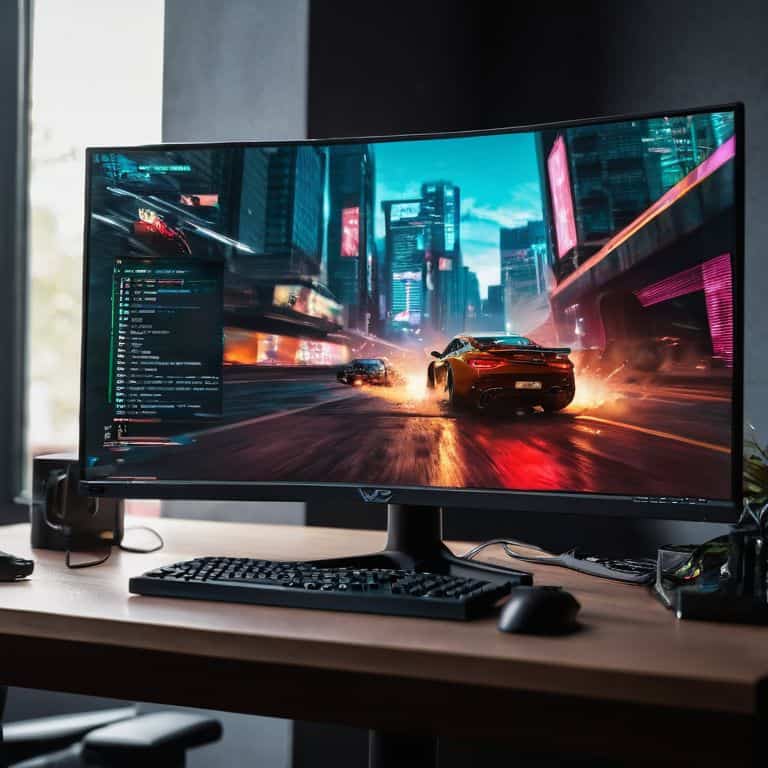
So, you’re wondering what makes a high refresh rate monitor so special? In simple terms, it’s a display that can show more frames per second than your average monitor. Most standard monitors have a refresh rate of 60Hz, which means they can display 60 frames per second. But, a high refresh rate monitor can display significantly more, often up to 144Hz or even 240Hz. This results in a much smoother visual experience, especially in fast-paced games or videos.
When it comes to choosing a gaming monitor, the refresh rate vs response time is often a topic of discussion. While a high refresh rate is crucial for smooth motion, a fast response time ensures that each frame is displayed quickly, reducing ghosting and blurring. For example, if you’re playing a game that supports Nvidia G-Sync or AMD FreeSync, a high refresh rate monitor can take full advantage of these technologies to provide a seamless gaming experience.
In practical terms, the difference between 60Hz and 144Hz is like night and day. With a high refresh rate monitor, you’ll notice that motion appears more fluid, and graphics look more realistic. This is especially important for applications like video editing, where a high refresh rate can help you preview your work more accurately. Whether you’re a gamer, video editor, or just someone who wants a better computing experience, a high refresh rate monitor is definitely worth considering.
Beyond Frames Refresh Rate vs Response Time
When it comes to high refresh rate monitors, many of us focus on the frames per second, but there’s another crucial factor to consider: response time. This measures how quickly pixels can change color, which is essential for reducing ghosting and blurring. A lower response time is generally better, as it provides a clearer image, especially in fast-paced games or videos.
To truly appreciate the benefits of a high refresh rate monitor, you need to understand the relationship between refresh rate and response time. The refresh rate is only half the story; if your monitor’s response time is too high, you might still experience motion blur or artifacts, even with a high refresh rate.
Unlocking Smoothness High Refresh Rate Benefits
When it comes to high refresh rate monitors, the benefits are clear. One of the most significant advantages is the reduction in screen tearing, which can be a major distraction, especially in fast-paced games or videos. By increasing the refresh rate, you can enjoy a much smoother visual experience.
Using a high refresh rate monitor can also lead to a more immersive experience, as it allows for a more realistic representation of motion. This is particularly noticeable in games that require quick reflexes, where a high refresh rate can give you a competitive edge.
Choosing Your Perfect Monitor
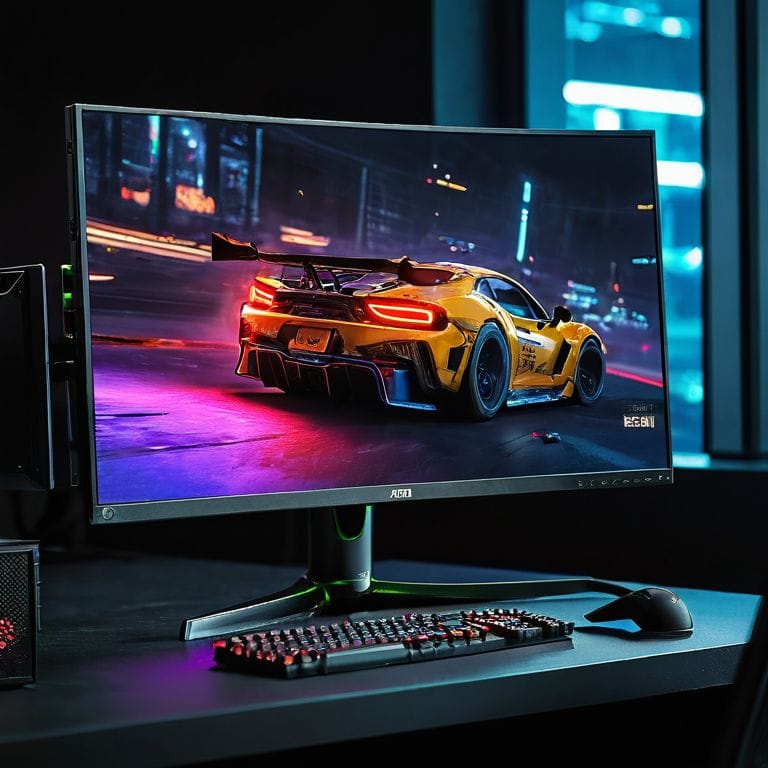
When it comes to choosing the perfect monitor, there are several factors to consider. One of the most important decisions is whether to opt for a monitor with Nvidia G-Sync or AMD FreeSync technology. Both of these technologies help to eliminate screen tearing and provide a smoother gaming experience. However, they are not compatible with all graphics cards, so it’s essential to check compatibility before making a purchase.
Another crucial factor to consider is the refresh rate vs response time. A high refresh rate monitor with a low response time is ideal for fast-paced games, as it provides a smooth and responsive experience. For example, the difference between 60Hz and 144Hz is significant, with 144Hz providing a much smoother experience. When choosing a monitor, look for one with a high refresh rate and a low response time to get the best possible performance.
For those who want to use their monitor for high refresh rate monitor benefits such as video editing or console gaming, it’s essential to consider the monitor’s connectivity options and resolution. A monitor with multiple HDMI ports and a high resolution, such as 4K, is ideal for these applications. Additionally, consider the monitor’s high refresh rate monitor for console gaming capabilities, as some monitors are optimized for specific consoles.
Console and Video Editing Picking the Right Refresh Rate
When it comes to console gaming and video editing, the refresh rate of your monitor can greatly impact your experience. For console gaming, a lower refresh rate such as 60Hz or 120Hz is often sufficient, but for smooth motion, a higher refresh rate can make a big difference.
In video editing, a higher refresh rate can be beneficial for reducing eye strain, but the key factor is actually the response time of the monitor, as it affects how quickly pixels change color.
Gaming Monitor Showdown Nvidia G Sync vs Amd Freesync
When it comes to gaming monitors, one of the most important considerations is synchronization technology. This is where Nvidia G-Sync and AMD FreeSync come into play, offering different approaches to ensuring a smooth gaming experience.
I’ve found that adaptive sync is a key factor in reducing screen tearing and stuttering, allowing for a more immersive experience.
Unlocking the Power: 5 Key Tips for Understanding High Refresh Rate Monitors
- Check your graphics card: Ensure it can support high refresh rates to get the most out of your new monitor
- Choose the right connection: Make sure your monitor and computer are connected with a cable that supports high refresh rates, such as DisplayPort 1.4 or HDMI 2.1
- Don’t forget about response time: A low response time is just as important as a high refresh rate for a smooth gaming experience
- Consider your content: If you’re mostly watching videos or browsing the web, a lower refresh rate might be sufficient, but for gaming or video editing, aim for at least 144Hz
- Adjust your settings: Tweak your monitor’s settings to find the perfect balance between refresh rate, response time, and brightness for your specific needs
Key Takeaways for a Smoother Experience
High refresh rate monitors can significantly enhance your computing experience, making graphics and motion appear smoother and more responsive, which is especially beneficial for gamers and video editors
Understanding the difference between refresh rate and response time is crucial, as both factors contribute to the overall performance of your monitor, and choosing the right balance can make a huge difference in your workflow or gaming sessions
When selecting a high refresh rate monitor, consider your specific needs, such as G-Sync for Nvidia graphics cards or FreeSync for AMD, and think about your monitor’s intended use, whether it’s for gaming, console use, or video editing, to ensure you get the best possible performance
The Essence of High Refresh Rate Monitors
A high refresh rate monitor is not just a fancy spec – it’s the key to unlocking a seamless visual experience that makes you wonder how you ever settled for anything less.
Leo Maxwell
Embracing the Future of Displays
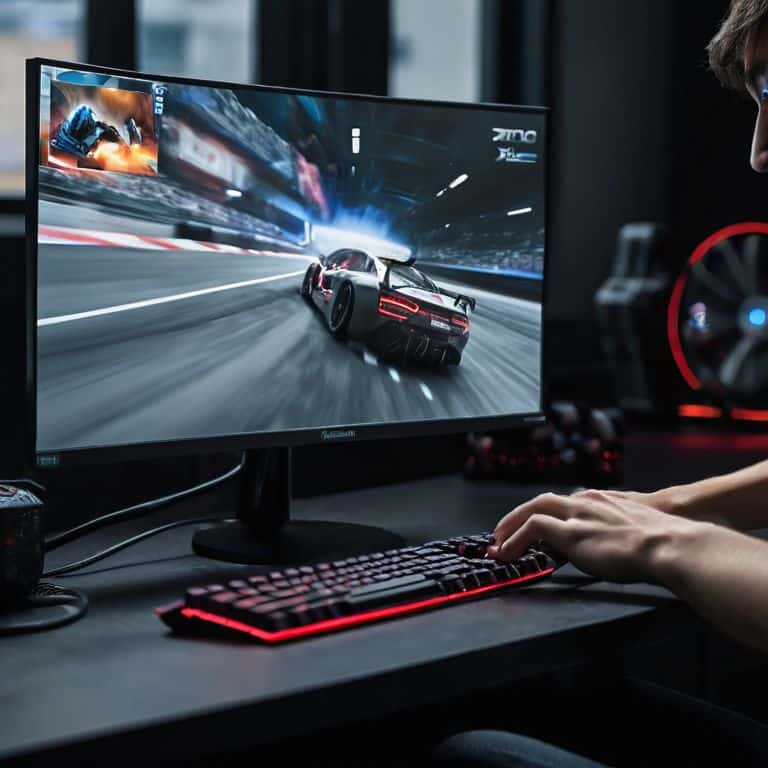
As we’ve explored the world of high refresh rate monitors, it’s clear that smoothness and responsiveness are key to an exceptional user experience. From the benefits of high refresh rates, including reduced screen tearing and improved motion clarity, to the nuances of choosing the right monitor for your specific needs, whether you’re a gamer, video editor, or simply someone who wants the best, it’s essential to consider factors like Nvidia G-Sync and AMD FreeSync. By understanding the differences between refresh rate and response time, and how they impact your experience, you’re well on your way to selecting a monitor that meets your unique requirements.
In conclusion, embracing high refresh rate technology is not just about upgrading your monitor; it’s about elevating your entire computing experience. As you consider making the leap to a higher refresh rate, remember that it’s an investment in peak performance and unparalleled visual fluidity. So, go ahead, take the plunge, and discover a world where every interaction feels seamless and intuitive. With the right guide and a bit of patience, you’ll be navigating the world of high refresh rates like a pro, and wondering how you ever managed without it.
Frequently Asked Questions
How does a high refresh rate monitor improve my gaming experience?
So, you wanna know how a high refresh rate monitor supercharges your gaming experience? It’s simple: by displaying more frames per second, you get silky-smooth motion, reduced screen tearing, and a serious competitive edge. Think faster reflexes and quicker reaction times – it’s a total game-changer!
What is the difference between a high refresh rate and a high frame rate?
So, you’re wondering about the difference between high refresh rate and high frame rate? Think of it like this: frame rate is how many frames your computer can render, while refresh rate is how often your monitor updates with new frames. Simple example: a 144Hz monitor can update 144 times per second, but it needs a high frame rate to actually show smooth motion.
Do I need a high refresh rate monitor for general office work or browsing the internet?
Honestly, for general office work or browsing the internet, a high refresh rate monitor isn’t strictly necessary. You’ll still be perfectly fine with a standard 60Hz monitor. However, if you want an extra layer of smoothness, a higher refresh rate can make a subtle but nice difference, especially if you’re watching videos or scrolling through web pages.