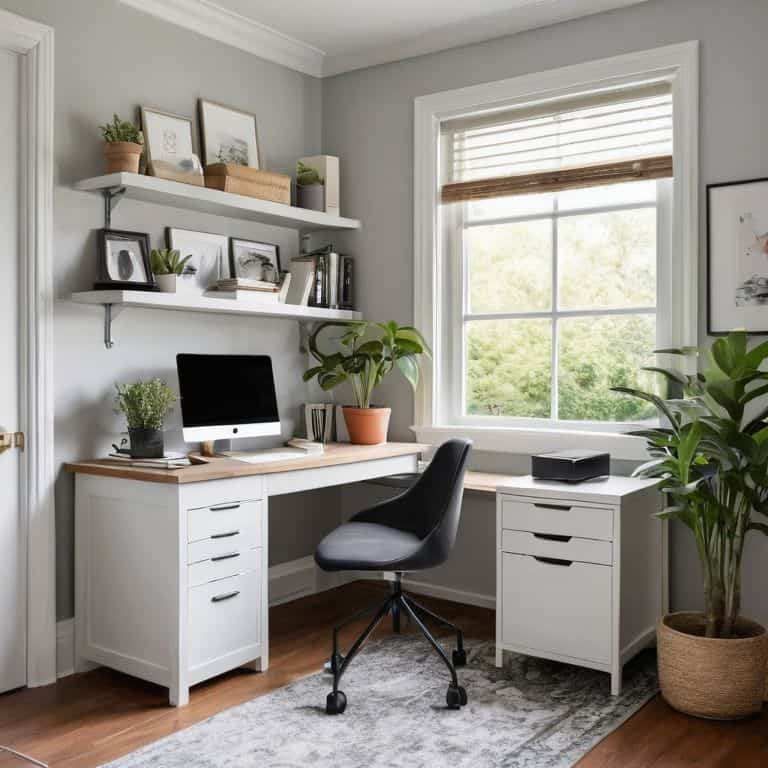
I still remember the day I decided to turn a corner of my home into a dedicated office – it was a game-changer for my productivity. I was tired of working from the kitchen table, surrounded by distractions and clutter. That’s when I realized the importance of having a guide to setting up a home office that actually works for you, not against you. The myth that you need a huge budget or a lot of space to create a functional home office is just that – a myth. With a little creativity and planning, you can turn any area into a productive haven.
In this article, I’ll share my personal experience and expertise to help you create a home office that feels like you. You’ll get practical advice on how to choose the right equipment, optimize your space, and minimize distractions. I’ll walk you through the process step-by-step, so you can focus on what matters most – getting stuff done! Whether you’re a remote worker, a student, or an entrepreneur, this guide will help you set up a home office that boosts your productivity and comfort. So, let’s get started on this journey to create your perfect workspace, and make the most out of your home office setup.
Table of Contents
Guide Overview: What You'll Need
Total Time: 4 hours 30 minutes
Estimated Cost: $100 – $300
Difficulty Level: Intermediate
Tools Required
- Tape Measure for measuring room and furniture
- Level for ensuring shelves are straight
- Drill with screwdriver and drill bits
- Pencil for marking walls and furniture
- Stud Finder for locating wall studs
Supplies & Materials
- Desk choose a size that fits your space
- Office Chair select a comfortable and adjustable chair
- Shelving Unit for storing books and office supplies
- 2-in x 4-in lumber for building custom shelves or desk
- Power Strip for managing cords and cables
- Ergonomic Accessories such as a keyboard tray and monitor stand
Step-by-Step Instructions
- 1. First, let’s start by identifying the perfect spot for your home office. This could be a spare room, a corner of your living room, or even a section of your garage. Consider the area’s natural light, noise level, and proximity to power outlets. Take a walk around your home and envision where you’d feel most comfortable and focused.
- 2. Next, clear the space of any clutter or unnecessary items. This will give you a clean slate to work with and help you determine the optimal layout for your office. Remove any furniture, boxes, or decorations that you won’t be using, and set aside any items that you think might be useful later. Remember, less is more when it comes to creating a productive workspace.
- 3. Now it’s time to choose your furniture. You’ll need a comfortable and ergonomic chair, a sturdy desk, and possibly some shelving for storage. Consider the style and aesthetic you want to achieve in your home office, and select furniture that reflects your personality. Don’t be afraid to get creative and upcycle old furniture to save money and add a unique touch.
- 4. With your furniture in place, it’s time to set up your technology. This includes your computer, monitor, keyboard, and any other devices you’ll need to stay productive. Make sure your equipment is compatible and configured correctly to avoid any technical issues down the line. If you’re not sure where to start, consider consulting online tutorials or seeking advice from a tech-savvy friend.
- 5. Once your technology is up and running, it’s time to add some personal touches. This could include inspirational quotes, family photos, or plants to brighten up the space. Remember, your home office should be a reflection of your personality and make you feel happy and motivated. Don’t be afraid to experiment and try out different decor until you find the perfect balance.
- 6. Now that your home office is taking shape, it’s time to consider your storage needs. You’ll need a system for organizing your papers, office supplies, and other essentials. Invest in a file cabinet, desk drawers, or shelving units to keep your workspace clutter-free and organized. This will help you stay focused and avoid wasting time searching for misplaced items.
- 7. Finally, take a step back and evaluate your home office setup. Make sure everything is functional and comfortable, and that you have everything you need to stay productive. Take note of any areas that need improvement, and don’t be afraid to make adjustments as needed. Remember, your home office is a work in progress, and it’s okay to make changes along the way.
A Guide to Setting Up Home Office
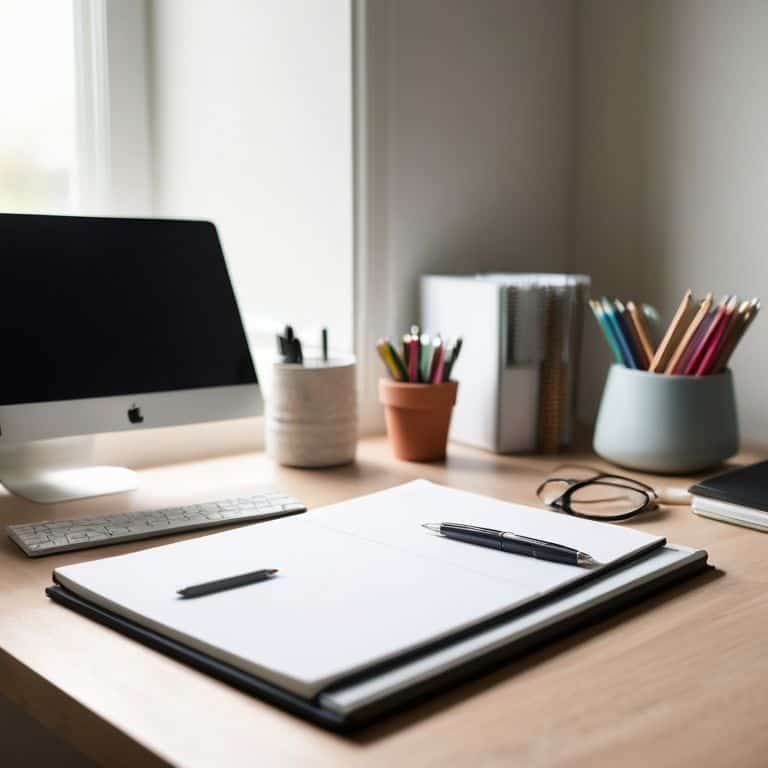
As you’re setting up your new workspace, consider investing in a good home office desk organization system. This will help you stay focused and avoid clutter. I’ve found that a clean and organized desk can make all the difference in my productivity. When choosing a desk, think about the type of work you’ll be doing and the equipment you’ll need to have within reach.
To ensure you can work comfortably for long hours, it’s essential to invest in the best chair for long hours of work. Look for one with good lumbar support and adjustable height. I’ve also found that a comfortable chair can help reduce distractions and minimize the risk of back pain. Additionally, consider the lighting in your workspace and try to position your chair to take advantage of natural light.
When it comes to setting up a home office on a budget, there are many creative solutions you can explore. For example, you can repurpose old furniture or shop for second-hand items. I’ve also found that ergonomic home office layout can be achieved without breaking the bank. By thinking carefully about the layout of your space and investing in a few key pieces of equipment, you can create a comfortable and productive workspace that meets your needs.
Boosting Productivity With Desk Organization
Now that we’ve got our seating sorted, let’s talk about the heart of our home office: the desk. A cluttered workspace can be a major productivity killer, so it’s essential to get your desk organized. I like to start with a clean slate – literally. Clear everything off your desk and sort items into categories. Then, assign a home for each item, like a tray for paperwork or a drawer for office supplies. Consider investing in a desk organizer or tray to keep essential items within easy reach. By keeping your desk tidy, you’ll be able to focus on the task at hand and stay motivated.
Creating Comfort With Ergonomic Chairs
When it comes to creating comfort in your home office, an ergonomic chair is a must-have. I’ve spent countless hours researching and testing various models to find the perfect blend of support and style. A good ergonomic chair should provide adequate lumbar support, adjustable height and armrests, and a breathable fabric. Look for a chair that allows you to sit with your feet flat on the floor or on a footrest, keeping your knees at or below hip level.
I recommend investing in a high-quality ergonomic chair, even if it means splurging a bit. Trust me, your back (and your productivity) will thank you. Some popular options include the Herman Miller Sayl or the Steelcase Leap. Take the time to read reviews, watch videos, and even test out a few models before making a decision. Your comfort and focus are worth it.
5 Essential Tips to Supercharge Your Home Office
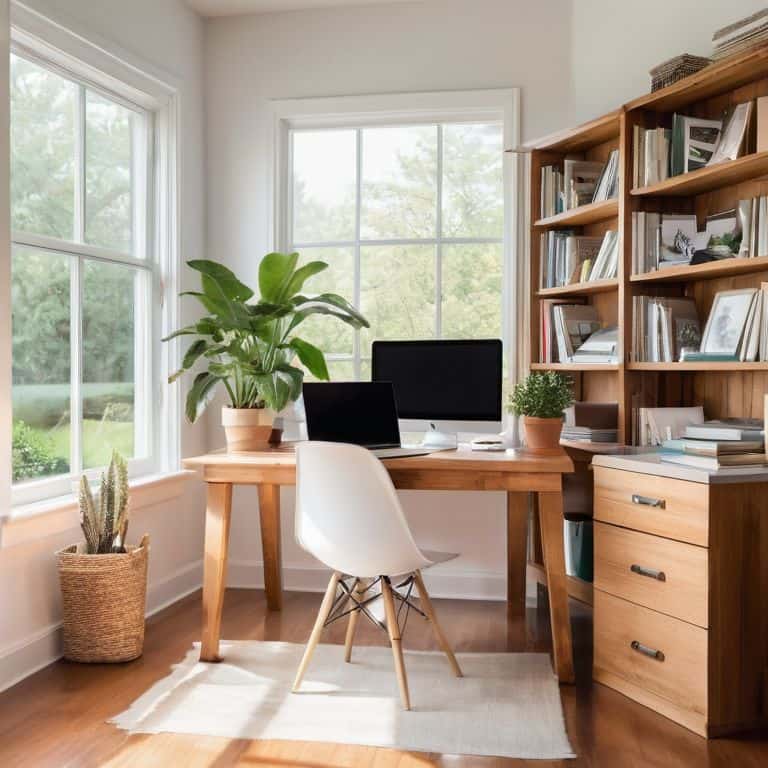
- Designate a dedicated space that is quiet, private, and free from distractions to help you stay focused
- Invest in a comfortable and ergonomic chair to prevent back and neck strain during long work hours
- Set up a reliable and fast internet connection to ensure seamless communication and data transfer
- Implement a cable management system to keep your workspace organized and clutter-free
- Establish a routine maintenance schedule to keep your equipment and software up-to-date and running smoothly
Key Takeaways for Your Dream Home Office
Design your home office with ergonomics in mind, investing in a comfortable and adjustable chair to boost your productivity and reduce eye strain
Implement a desk organization system that works for you, whether it’s a tray for paperwork, a cable management system, or a set of desk drawers to keep your workspace clutter-free
Remember, your home office should reflect your personality and work style, so don’t be afraid to add personal touches and experiment with different layouts until you find the perfect balance of form and function
Setting Up Your Sanctuary
A home office is more than just a space to work – it’s a reflection of your personality and a tool to unlock your potential; by carefully crafting this environment, you’re not just building a room, you’re building a better you.
Leo Maxwell
Wrapping Up Your Home Office Setup
As we’ve gone through this guide, you’ve learned how to transform a corner of your home into a fully functional office. We started with the basics of setting up your space, moved on to creating comfort with ergonomic chairs, and then dived into boosting productivity with desk organization. These steps are designed to be adaptable to your specific needs, whether you’re a freelancer, remote worker, or simply someone who needs a quiet space to focus. By following these steps, you’ve not only created a home office but also invested in your own productivity and well-being.
Now, as you sit in your new home office, surrounded by the tools and comforts you need, remember that your space is a reflection of your goals. It’s not just about the furniture or the technology; it’s about creating an environment that inspires you to achieve your dreams. Whether you’re working on a new business venture, pursuing a hobby, or simply enjoying some quiet time, your home office is your sanctuary. So, take a moment to appreciate what you’ve accomplished, and then get ready to make the most of your new workspace.
Frequently Asked Questions
What are the essential items I need to include in my home office to ensure maximum productivity?
To maximize productivity, focus on the essentials: a comfortable, ergonomic chair, a sturdy desk, and good lighting. Don’t forget a reliable computer, keyboard, and mouse. I also recommend a noise-cancelling headset and a few plants to boost morale. Let’s get started on turning a corner of your home into an awesome office!
How can I optimize the lighting in my home office to reduce eye strain and improve focus?
Let’s talk lighting. To reduce eye strain, try using a combo of natural and artificial light. Position your desk near a window, and invest in a good desk lamp with adjustable brightness. I also recommend using full-spectrum bulbs, they’re easier on the eyes.
What are some tips for minimizing distractions and maintaining a healthy work-life balance while working from a home office?
To minimize distractions, I recommend setting boundaries with family and friends, and creating a schedule to separate work and personal time. Consider using website blockers or apps that help you stay focused. Also, make sure to take breaks and prioritize self-care to maintain a healthy work-life balance.