I still remember the first time I set up Amazon Alexa in my home – it was a game-changer. I was excited to dive into the world of smart technology, but I quickly realized that the _initial setup_ can be overwhelming, especially for those new to voice assistants. That’s why I’m writing this beginner’s guide to Amazon Alexa, to help you navigate the process with ease and make the most out of your device. I believe that everyone deserves to feel confident with their technology, and I’m here to be your patient guide every step of the way.
In this article, I’ll provide you with _practical advice_ on how to get started with Amazon Alexa, from unboxing to exploring its various features. I’ll share my personal experience and tips on how to troubleshoot common issues and make the most out of your device. You can expect a step-by-step approach that’s easy to follow, with annotated screenshots and clear diagrams to help you understand the process. By the end of this guide, you’ll be well on your way to becoming an Amazon Alexa expert, and you’ll be able to enjoy the benefits of smart technology in your daily life.
Table of Contents
- Guide Overview: What You'll Need
- Step-by-Step Instructions
- A Beginners Guide to Amazon Alexa
- 5 Essential Tips to Supercharge Your Amazon Alexa Experience
- Key Takeaways for a Seamless Amazon Alexa Experience
- Unlocking Alexa's Full Potential
- Conclusion: You're Now an Alexa Pro
- Frequently Asked Questions
Guide Overview: What You'll Need
Total Time: 1 hour 30 minutes
Estimated Cost: $50 – $100
Difficulty Level: Easy
Tools Required
- Smartphone (with Amazon Alexa app)
- Computer (with internet connection)
- Power Outlet (for Alexa device)
Supplies & Materials
- Amazon Alexa Device (e.g., Echo, Echo Dot, etc.)
- Wi-Fi Router (for internet connection)
- Micro USB Cable (for powering Alexa device)
Step-by-Step Instructions
- 1. First, let’s start with the basics: to get Amazon Alexa up and running, you’ll need to download and install the Alexa app on your smartphone or tablet. This app is available for both iOS and Android devices, so regardless of your mobile operating system, you’re covered. Once you’ve downloaded the app, follow the in-app instructions to create an Amazon account if you don’t already have one, or sign in if you do.
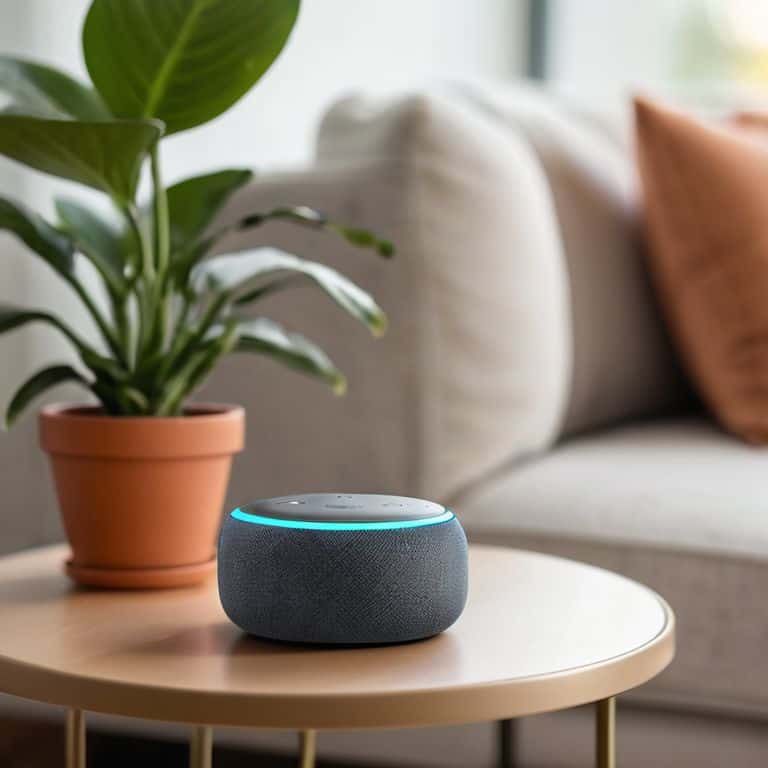
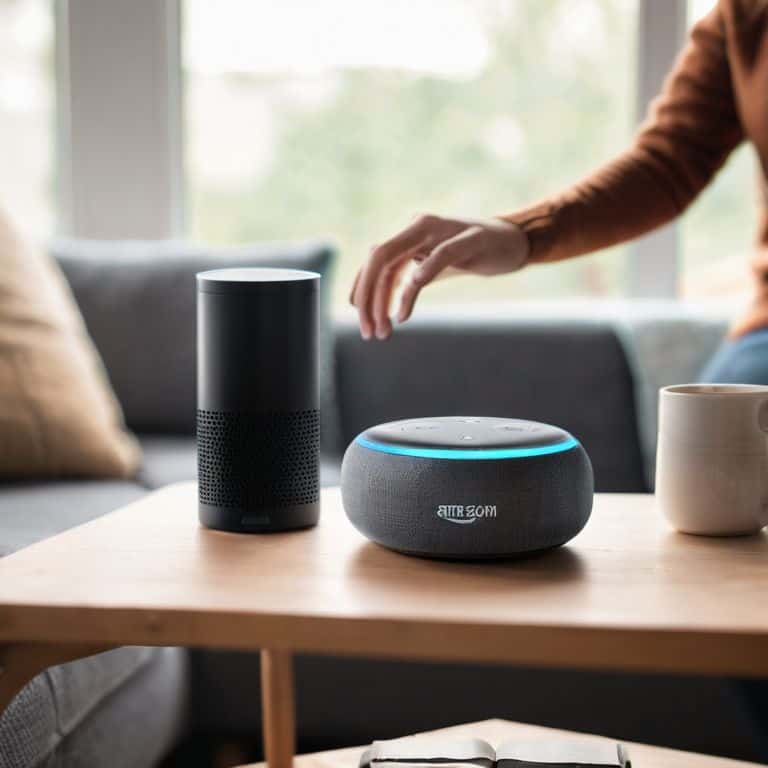
- 2. Next, you’ll need to set up your Alexa device. This could be an Echo, Echo Dot, or any other Alexa-enabled device. Unbox your device, and plug it into a power outlet. Make sure it’s placed in a central location in your home where you can easily hear it and it can hear you. The device will start flashing blue, indicating it’s ready for setup.
- 3. Now, open the Alexa app, and navigate to the Devices section. Here, you’ll find an option to Add Device. Select this, and then choose the type of device you’re setting up (e.g., Echo, Echo Dot, etc.). The app will guide you through a series of steps to connect your device to your Wi-Fi network. This is a critical step, as your device needs a stable internet connection to function properly.
- 4. With your device connected to the internet, it’s time to start exploring Alexa’s capabilities. You can begin by asking Alexa simple questions like “What’s the weather like today?” or “What’s the news?” to get a feel for how she responds. You can also ask her to play music, set timers, or remind you of upcoming events. The more you interact with Alexa, the more comfortable you’ll become with her voice commands.
- 5. One of the most powerful features of Alexa is her ability to control smart home devices. If you have smart lights, thermostats, or security cameras, you can use the Alexa app to discover and connect these devices. Once connected, you can use voice commands to turn lights on and off, adjust the temperature, or view your camera’s live feed. This integration can really enhance your smart home experience and make your life easier.
- 6. To further customize your experience, you can explore the Skills section in the Alexa app. Skills are like apps for Alexa, allowing her to perform specific tasks, such as ordering pizza, tracking fitness goals, or even teaching you a new language. There are thousands of skills available, so you’re sure to find ones that fit your interests and needs. Enabling skills can expand Alexa’s capabilities and make her an even more integral part of your daily routine.
- 7. Finally, for troubleshooting or if you encounter any issues during setup, don’t hesitate to visit Amazon’s support website. They have a comprehensive guide for troubleshooting common issues, including connectivity problems or device recognition errors. Remember, if all else fails, you can always try turning your device off and on again – it’s often the simplest solution to many tech problems.
A Beginners Guide to Amazon Alexa
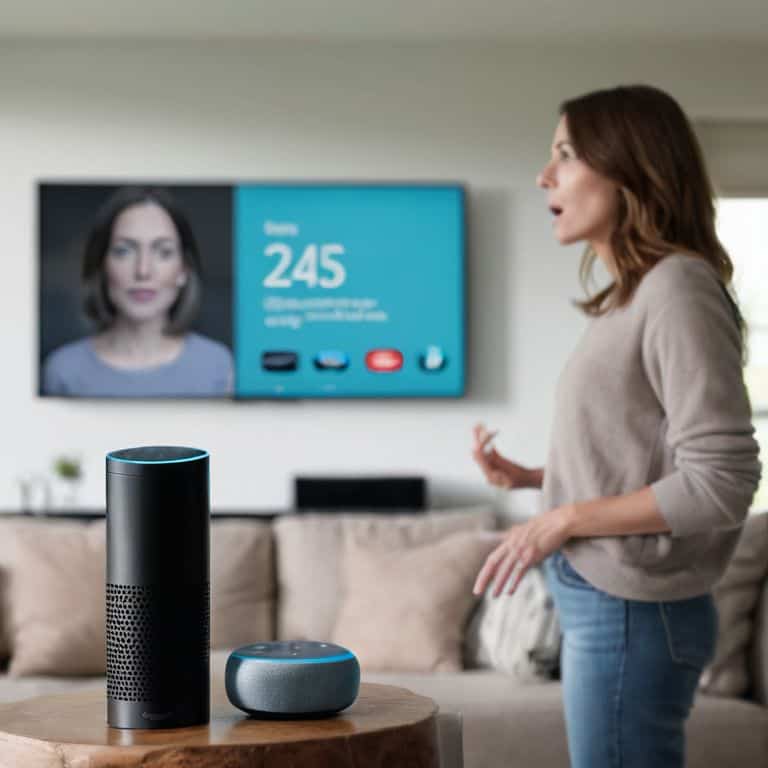
As you start exploring the world of Amazon Alexa, you’ll discover the power of alexa voice commands. These commands can help you control your smart home devices, play music, and even order products from Amazon. To get the most out of your Alexa experience, it’s essential to understand how to use these voice commands effectively. You can start by saying “Alexa, help” to get a list of available commands.
When setting up your Amazon Echo Dot, make sure to follow the amazon echo dot setup instructions carefully. This will ensure that your device is connected to your Wi-Fi network and is ready to use. Once you’ve completed the setup, you can start exploring the various best alexa skills for smart homes. These skills can help you control your lights, thermostats, and security cameras with just your voice.
To take your Alexa experience to the next level, consider creating custom alexa routines. These routines allow you to automate multiple tasks with a single voice command. For example, you can create a routine that turns on your living room lights, adjusts the thermostat, and plays your favorite music all at once. If you encounter any issues with your Alexa device, don’t worry – troubleshooting alexa connectivity issues is relatively straightforward, and you can usually resolve the problem by restarting your device or checking your Wi-Fi connection.
Mastering Alexa Voice Commands
Mastering Alexa Voice Commands is all about experimentation and practice. I recommend starting with simple commands like “What’s the weather like today?” or “Play some jazz music.” As you get more comfortable, you can move on to more complex commands like setting reminders or calendar events. Don’t be afraid to try new things and see what works – Alexa is designed to learn your preferences over time.
One of my favorite tips is to use Alexa’s built-in help feature. Just say “Alexa, what can you do?” and she’ll give you a rundown of her capabilities. You can also ask “Alexa, how do I [insert task here]?” and she’ll do her best to guide you through it. Remember, the key to mastering Alexa is to have fun and be patient – you’ll be a pro in no time!
Setting Up Amazon Echo Dot
To get started with your Amazon Echo Dot, first, make sure you have the device, the power cord, and your smartphone or tablet ready. Next, plug in your Echo Dot and download the Amazon Alexa app. The app will guide you through the setup process, which includes connecting your Echo Dot to your Wi-Fi network. I recommend having your Wi-Fi password handy to make this step smoother. Once connected, you’ll be asked to sign in with your Amazon account, and then you’re all set to begin exploring the world of Alexa.
Have you tried turning it off and on again if you encounter any issues during setup? This simple trick often resolves connectivity problems.
5 Essential Tips to Supercharge Your Amazon Alexa Experience
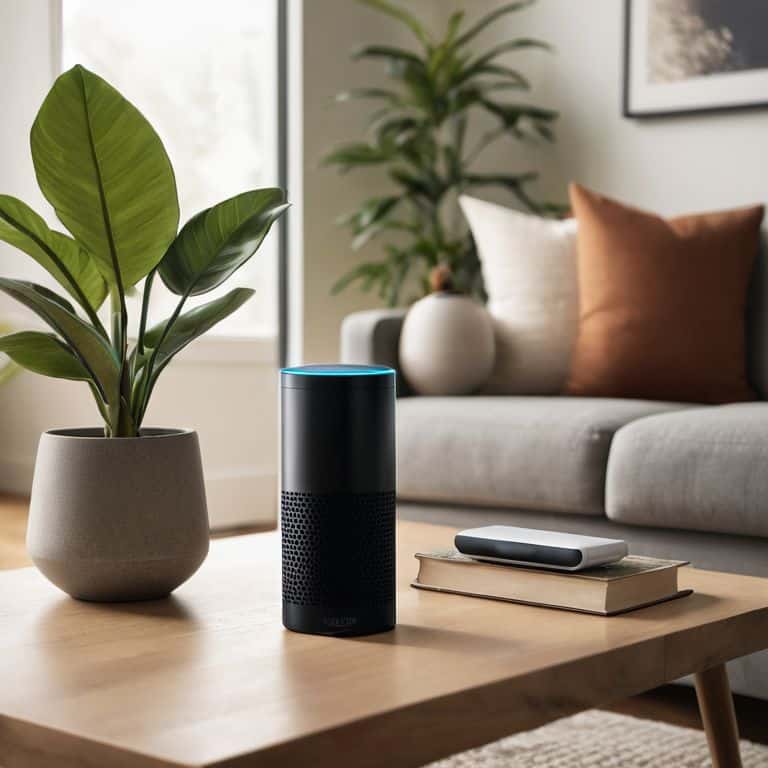
- Start with simple voice commands and gradually move on to more complex ones to get comfortable with Alexa’s capabilities
- Use the Alexa app to customize your smart home devices and create routines that fit your daily schedule and preferences
- Experiment with different Alexa skills, such as playing music, setting alarms, and controlling lights, to discover what works best for you
- Take advantage of Alexa’s multi-room music feature to stream your favorite tunes across multiple Echo devices in your home
- Regularly review and update your Alexa privacy settings to ensure you’re comfortable with the data being collected and used by Amazon
Key Takeaways for a Seamless Amazon Alexa Experience
By following the step-by-step guide and mastering Alexa voice commands, you can unlock a world of smart home automation and voice-controlled convenience
Setting up your Amazon Echo Dot is easier than you think, and with the right instructions, you can have it up and running in no time, ready to explore all the features Alexa has to offer
Remember, the key to getting the most out of Amazon Alexa is to start simple, have fun exploring its capabilities, and don’t be afraid to experiment with new voice commands and skills to find what works best for you
Unlocking Alexa's Full Potential
The true power of Amazon Alexa lies not in its ability to answer questions, but in its capacity to seamlessly integrate into our daily lives, making every moment a little more convenient, a little more enjoyable, and a little more connected.
Leo Maxwell
Conclusion: You're Now an Alexa Pro
As we wrap up this beginner’s guide to Amazon Alexa, let’s recap the key points we’ve covered. We started with the basics of setting up your Amazon Echo Dot, then dove into mastering Alexa voice commands. You learned how to use your voice to control your smart home devices, play music, and even order products from Amazon. We also explored some of the more advanced features, such as routines and skills, which can help you get the most out of your Alexa experience. By following these steps and practicing your voice commands, you’ll be well on your way to becoming an Alexa expert.
So, what’s next? Now that you have a solid foundation in using Amazon Alexa, it’s time to start exploring the endless possibilities of voice-controlled smart home technology. Remember, the key to getting the most out of Alexa is to experiment and have fun. Don’t be afraid to try new things and see what works best for you. With patience and practice, you’ll be able to unlock the full potential of your Amazon Echo Dot and start enjoying the convenience and flexibility that comes with having a voice assistant in your home.
Frequently Asked Questions
What are some essential Alexa skills I should enable for my smart home devices?
To get the most out of your smart home, I recommend enabling Alexa skills like Philips Hue, Nest, and SmartThings. These will let you control your lights, thermostat, and security cameras with ease. Just head to the Alexa app, search for the skill, and follow the prompts to link your accounts.
Can I use Amazon Alexa with other virtual assistants like Google Assistant?
While Amazon Alexa is designed to work seamlessly with other Amazon devices, you can also use it alongside other virtual assistants like Google Assistant. However, keep in mind that some features might not be compatible, and you’ll need to set up separate accounts for each assistant. I’ll cover the specifics in my next post, but the short answer is yes, you can use them together – with some careful planning.
How do I troubleshoot common issues with my Amazon Echo Dot, such as poor sound quality or unresponsive voice commands?
Have you tried turning it off and on again? Seriously, that often resolves connectivity issues. For poor sound quality, check your Echo Dot’s placement and ensure it’s not blocked by objects. If voice commands aren’t working, try restarting, then review your microphone settings to ensure they’re enabled and functioning correctly.