I still remember the last time I walked into an electronics store, and my eyes widened at the stunning displays of 4K and 8K monitors. As someone who’s passionate about building custom PCs, I’ve often found myself pondering what is the difference between 4k and 8k monitors. It’s a question that has sparked debate among tech enthusiasts, with some swearing by the superior resolution of 8K, while others claim that 4K is more than enough for their needs. If you’re like me, you’re probably wondering which one is right for you, and that’s exactly what we’ll explore in this article.
As someone who’s spent years simplifying complex tech for my students, I want to assure you that we’ll cut through the marketing hype and get to the nitty-gritty of what really matters. I’ll share my personal experience with both 4K and 8K monitors, and provide you with a no-nonsense guide to help you make an informed decision. We’ll discuss the key differences, the benefits of each, and what you can expect in terms of performance and price. By the end of this article, you’ll be equipped with the knowledge to make the right choice for your needs, and you’ll be able to enjoy the best possible viewing experience, whether you’re a gamer, a movie buff, or just someone who wants the best visual fidelity for their computer.
Table of Contents
4K Monitors
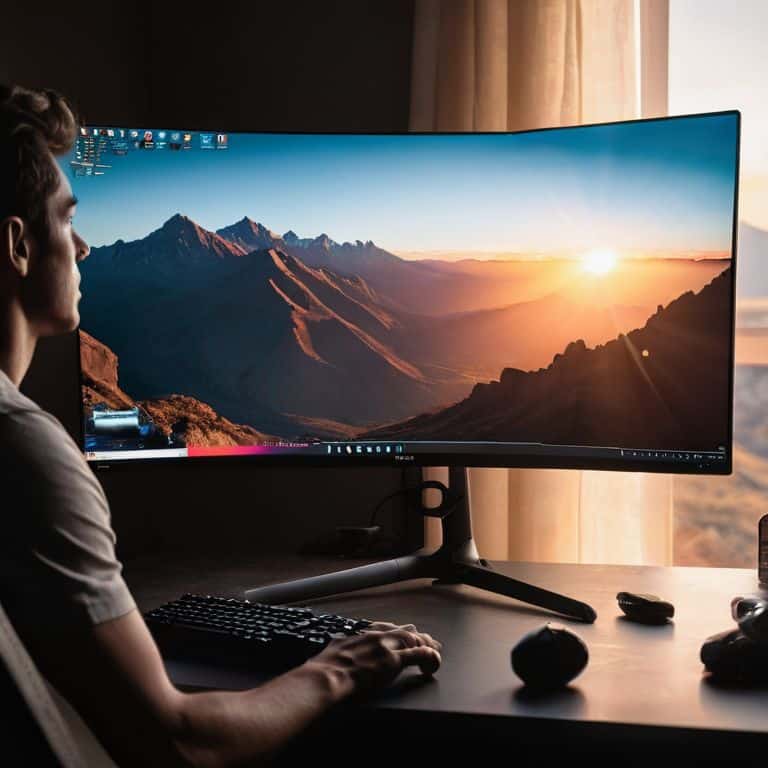
A 4K monitor is a display device that boasts a horizontal resolution of 3840 pixels, offering a significant upgrade in visual fidelity compared to its predecessors. The core mechanism behind 4K monitors involves packing more pixels into the same screen space, resulting in a sharper and more detailed image. The main selling point of 4K monitors is their ability to provide an _immersive viewing experience_, making them ideal for applications such as gaming, video editing, and streaming.
For me, the real benefit of 4K monitors lies in their ability to enhance the overall computing experience. I recall building my first custom PC with a 4K display and being blown away by the crisp visuals and _vibrant colors_. It completely changed the way I worked and played on my computer. Whether you’re a gamer, a video editor, or just someone who wants to enjoy their favorite shows in stunning quality, a 4K monitor can make a significant difference. By providing a more _engaging visual experience_, 4K monitors can increase productivity and make computing more enjoyable.
8K Monitors
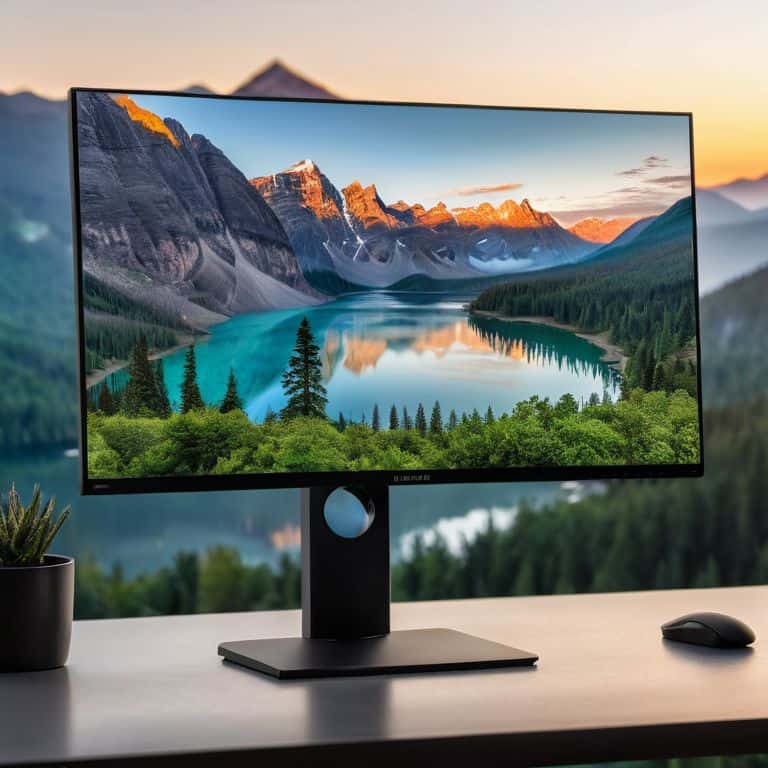
An 8K monitor is a cutting-edge display device that features a horizontal resolution of 7680 pixels, offering an even higher level of visual fidelity than 4K monitors. The core mechanism behind 8K monitors involves further increasing the pixel density, resulting in an even sharper and more detailed image. The main selling point of 8K monitors is their ability to provide a near-cinematic experience, making them ideal for applications such as professional video production, graphics design, and virtual reality.
As someone who’s passionate about _home automation_ and _custom PC building_, I’m excited about the potential of 8K monitors to revolutionize the way we interact with technology. While 8K monitors are still a relatively new technology, they offer a glimpse into a future where _immersive visual experiences_ are the norm. By providing a more detailed and realistic visual experience, 8K monitors can enable new applications and use cases that were previously impossible. Whether you’re a professional or an enthusiast, an 8K monitor can help you push the boundaries of what’s possible with technology.
4K vs 8K Monitors: Head-to-Head Comparison
| Feature | 4K Monitors | 8K Monitors |
|---|---|---|
| Resolution | 3840 x 2160 pixels | 7680 x 4320 pixels |
| Price | Affordable ($300-$1000) | Expensive ($2000-$5000) |
| Key Feature | High definition, wide color gamut | Higher pixel density, improved color accuracy |
| Best For | General use, gaming, video editing | Professional video editing, graphic design, immersive gaming |
| Refresh Rate | Up to 144Hz | Up to 60Hz (currently) |
| Connectivity | HDMI 2.0, DisplayPort 1.4 | HDMI 2.1, DisplayPort 1.4 |
| Power Consumption | Lower (around 30-50W) | Higher (around 60-100W) |
Uncovering 4k vs 8k Monitor Difference
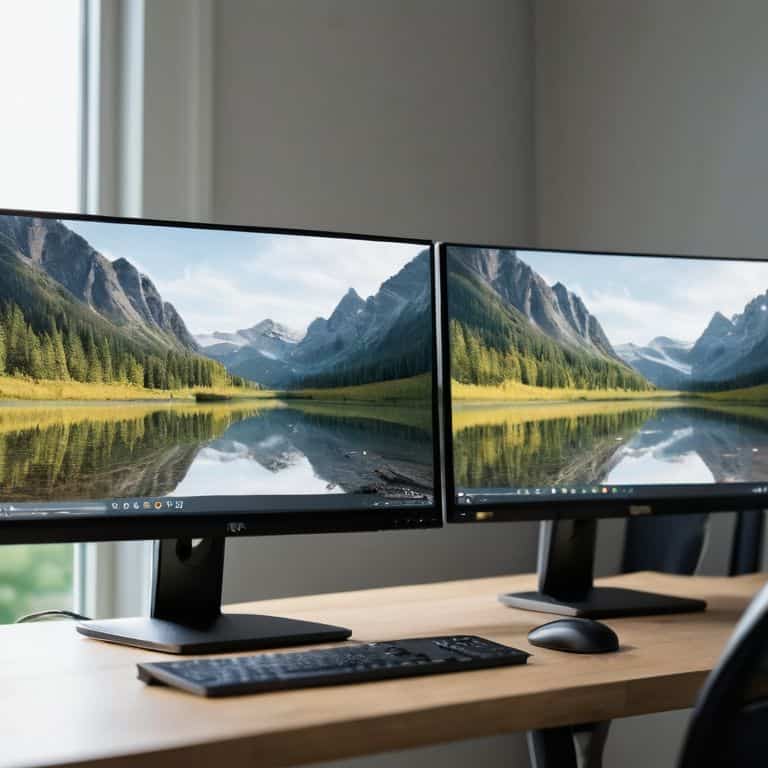
When it comes to uncovering the differences between 4K and 8K monitors, understanding the resolution is key. This criterion matters because it directly affects the viewing experience, making it essential for consumers to know what they’re getting into.
In a head-to-head analysis, 4K monitors offer a high level of detail with their 3840 x 2160 pixels. However, 8K monitors take it to the next level with a whopping 7680 x 4320 pixels, providing an even more immersive experience. The practical implication of this difference is that 8K monitors can display a much larger amount of detail, making them ideal for applications where precision is crucial.
The difference in resolution has significant practical implications, such as the ability to view multiple windows and applications simultaneously without feeling cramped. In conclusion, when it comes to uncovering the differences between 4K and 8K monitors based on resolution, 8K is the clear winner, offering a superior viewing experience that is hard to match.
Key Takeaways: 4K vs 8K Monitors
Higher resolution doesn’t always mean a noticeable difference: unless you’re sitting very close to a very large screen, the difference between 4K and 8K might not be as dramatic as you think
Future-proofing is a major consideration: if you’re planning to keep your monitor for several years, 8K might be a better investment even if current content doesn’t fully utilize it
Content availability and hardware requirements are crucial: to fully enjoy 8K, you’ll need not just an 8K monitor but also a computer or device capable of handling 8K content, as well as actual 8K content to watch
Cutting Through the Resolution Noise
The difference between 4K and 8K monitors isn’t just about numbers; it’s about immersion, clarity, and the future of how we experience digital content – and understanding that difference can revolutionize your viewing experience.
Leo Maxwell
The Final Verdict: Which Should You Choose?
After diving into the world of 4K and 8K monitors, it’s clear that both offer exceptional viewing experiences, but they cater to different needs. The key difference lies in their resolution and the level of detail they can display. 4K monitors are ideal for general use, such as browsing the internet, watching movies, and playing casual games, while 8K monitors are better suited for professionals who require extremely high-resolution displays for tasks like video editing, graphic design, and gaming.
When it comes to declaring an overall winner, it ultimately depends on the user. For the average consumer, a 4K monitor is more than sufficient and offers great value for the price. However, for professionals and enthusiasts who require the highest level of detail and are willing to invest in the necessary hardware to support it, an 8K monitor is the clear winner. In summary, 4K is best for casual users, while 8K is ideal for power users who demand the absolute best performance and image quality.
Frequently Asked Questions
Will I notice a significant difference between 4K and 8K monitors for regular office work?
Honestly, for regular office work, the difference between 4K and 8K monitors might not be drastic. You’ll likely notice sharper text and images on an 8K monitor, but it won’t revolutionize your workflow. If you’re just browsing, emailing, or working with documents, a 4K monitor will still provide an excellent experience.
Do I need a special graphics card to run an 8K monitor?
To run an 8K monitor, you’ll need a powerful graphics card that supports DisplayPort 1.4 or HDMI 2.1. I recommend checking your GPU’s specs to ensure it can handle 8K resolution at a decent refresh rate. Don’t worry, I’ll break it down in simple terms in my next post, so you can make an informed decision.
Are 8K monitors worth the extra cost for gaming and video editing?
For gaming and video editing, 8K monitors offer superior detail and smoothness, but the extra cost might not be justified unless you have a powerful rig to support it. I’d say it’s worth it if you’re a professional or hardcore enthusiast, but for casual users, 4K might still be the sweet spot.