I still remember the day I decided to take my social media photos to the next level – I was determined to learn how to take better photos for social media. I spent hours scrolling through my feeds, analyzing what made some photos stand out while others fell flat. It wasn’t just about having a good camera or editing software; it was about understanding the art of visual storytelling. As someone who’s passionate about creating engaging content, I was frustrated by the lack of practical advice on how to create stunning social media photos. Everyone seemed to be saying the same thing: “use good lighting” or “be creative,” but no one was providing actionable tips on how to actually achieve that.
In this article, I’ll share my no-nonsense approach to taking better photos for social media. You’ll learn how to compose shots that capture attention, work with natural light, and edit your photos to make them pop. I’ll cut through the jargon and provide you with practical tips that you can apply immediately to improve your social media photography. Whether you’re a beginner or an experienced photographer, this guide will help you take your social media photos to the next level and make your feed shine.
Table of Contents
Guide Overview: What You'll Need
Total Time: 1 hour 15 minutes
Estimated Cost: $0 – $100
Difficulty Level: Easy
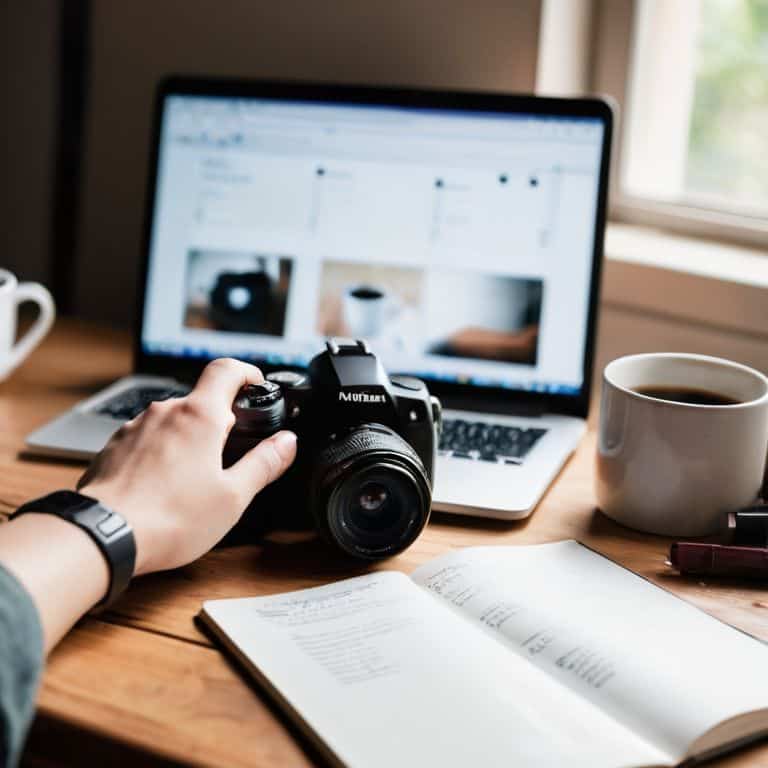
Tools Required
- Smartphone (with a good camera)
- Tripod (for stabilization)
- Natural Light Source (such as a window)
- Photo Editing Software (such as Adobe Lightroom or VSCO)
Supplies & Materials
- Backdrops (such as a white sheet or colored paper)
- Props (such as flowers or decorative items)
- Reflectors (such as a piece of white cardboard or a dedicated reflector panel, approximately 12 inches by 12 inches)
Step-by-Step Instructions
- 1. First, let’s talk about understanding your camera. Whether you’re using a smartphone or a professional camera, it’s essential to know its capabilities and limitations. Take some time to read the manual, explore the settings, and get familiar with the different modes and features. This will help you to make the most of your camera and take better photos for social media.
- 2. Next, consider the rule of thirds when composing your shots. Imagine your image is divided into thirds both horizontally and vertically, and try to place interesting elements along those lines. This will help you to create more balanced and visually appealing photos that will capture the attention of your social media audience.
- 3. Now, let’s move on to lighting, which is one of the most critical factors in photography. Natural light is always the best option, so try to take your photos near a window or outside during the golden hour (the hour just before sunset) for a warm and soft light. Avoid harsh midday sun and artificial light, as they can create unflattering shadows and highlights.
- 4. The background of your photo is just as important as the subject. A cluttered or distracting background can take away from the main focus of the image, so try to keep it simple and clean. Use a plain colored wall, a natural setting, or even a photo editing app to blur or remove the background and make your subject stand out.
- 5. It’s time to think about styling and props. Depending on the type of photo you’re taking, you may want to add some props or styling elements to make it more interesting. For example, if you’re taking a photo of a product, you could add some complementary items, such as flowers or books, to create a lifestyle scene. Keep it simple and don’t overdo it, as too many props can be distracting.
- 6. Now that you have your shot, it’s time to edit your photo. There are many photo editing apps available, both free and paid, that can help you to enhance your image and make it social media ready. Look for apps that offer preset filters and adjustment tools, such as brightness, contrast, and saturation, to give your photo a professional look.
- 7. Finally, write a compelling caption to accompany your photo. Your caption should be engaging, informative, and relevant to the image. Use this opportunity to tell a story, ask a question, or spark a conversation with your audience. Keep it concise and include any relevant hashtags to increase the visibility of your post.
Snap Better Social Media Photos
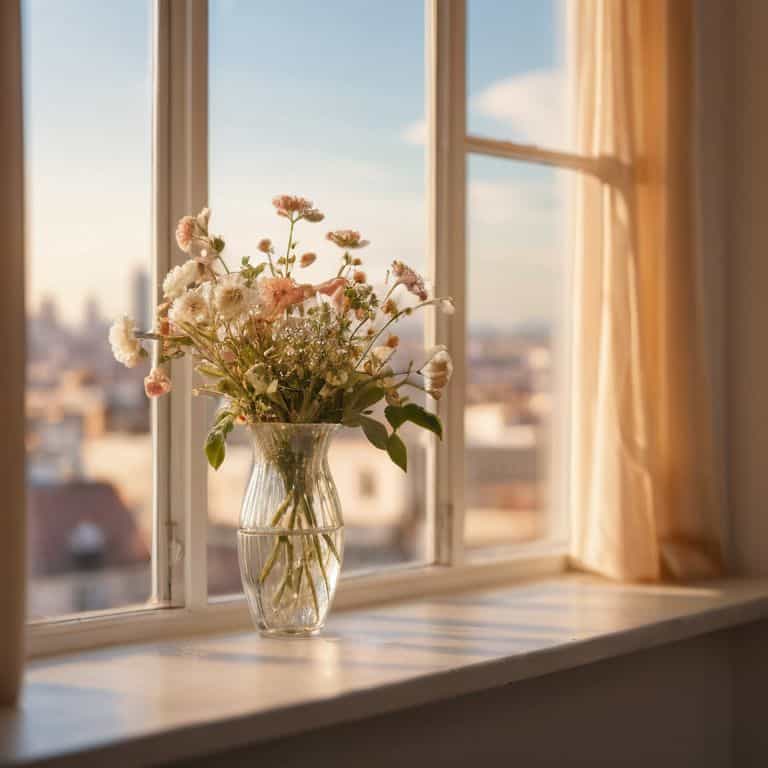
To snap better social media photos, it’s essential to understand the importance of natural light photography tips. Using natural light can elevate your photos and make them more engaging. Try taking photos near a window or outside during the golden hour for a warm and inviting glow.
When it comes to composition, remember that composition rules for beginners are all about simplicity. Don’t overcomplicate your shots with too many subjects or cluttered backgrounds. Instead, focus on a single subject and use negative space to create a clean and visually appealing image. You can also experiment with different angles and perspectives to add some variety to your photos.
By incorporating these tips into your photography routine, you’ll be well on your way to capturing moments for instagram that will leave your followers impressed. Don’t be afraid to experiment with different smartphone camera hacks and editing apps to enhance your photos and give them a unique touch. With practice and patience, you’ll be taking stunning social media photos in no time.
Master Natural Light Photography
Now that we’ve unlocked some amazing smartphone camera hacks, let’s dive into the magic of natural light photography. There’s something special about capturing a moment when the sun is shining just right. To master natural light, try shooting near a window or outside during the golden hour – that soft, warm glow can add a touch of elegance to any photo.
Experiment with different angles and positions to find the perfect light. Remember, the key to stunning natural light photos is to be patient and flexible. Don’t be afraid to move around and try new things until you find the shot that makes your heart skip a beat. With a little practice, you’ll be snapping like a pro in no time.
Unlock Smartphone Camera Hacks
To take your social media photos to the next level, it’s time to unlock the full potential of your smartphone camera. Let’s dive into some clever hacks that will make you wonder how you ever managed without them. From using the volume buttons to snap a photo, to enabling the grid feature for perfectly balanced compositions, there are plenty of tricks up your smartphone’s sleeve.
By mastering these hacks, you’ll be able to capture stunning photos with ease. For instance, try using the HDR feature to add depth and contrast to your images, or experiment with different aspect ratios to add some visual interest. With a little practice, you’ll be snapping like a pro in no time, and your social media feeds will thank you.
Shutter Success: 5 Tips to Elevate Your Social Media Photos
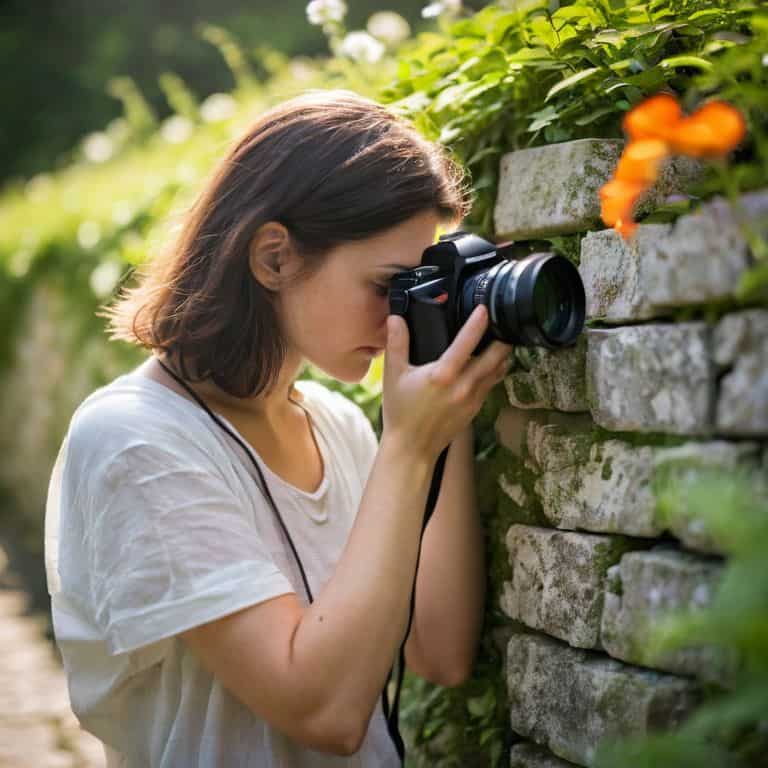
- Play with Angles: Don’t be afraid to experiment with unique perspectives and viewpoints to add visual interest to your photos
- Focus on Your Subject: Ensure your subject is clear and in focus, and consider using the portrait mode or HDR to enhance the image
- Edit Like a Pro: Learn the basics of photo editing and use apps like VSCO or Lightroom to enhance colors, contrast, and texture
- Tell a Story: Use your photos to tell a story or convey a message, and consider adding captions or context to engage your audience
- Keep it Consistent: Develop a consistent aesthetic or style for your social media photos, and use a mix of photos and graphics to keep your feed fresh and engaging
Key Takeaways for Stunning Social Media Photos
Always prioritize good lighting, whether it’s natural or artificially enhanced, to make your photos stand out on social media
Mastering your smartphone’s camera capabilities, including understanding its features and limitations, is crucial for capturing high-quality images
Experimenting with composition, angles, and editing can elevate your photography skills, making your social media posts more engaging and shareable
Capturing Life's Moments
The best social media photos are not just about the subject, but about the story they tell – so don’t just snap, capture the essence of the moment and make your audience feel like they’re part of it!
Sophie Wallace
Conclusion: Snap, Share, Shine
As we’ve explored the world of social media photography, you’ve learned how to unlock your smartphone’s camera potential and master natural light photography. These skills, combined with the step-by-step guide provided earlier, will help you elevate your social media game and make your photos truly stand out. Remember, the key to taking better photos is to experiment and have fun with the process. Don’t be afraid to try new things and learn from your mistakes – it’s all part of the journey to becoming a skilled social media photographer.
Now that you’ve got the tools and techniques to take your social media photos to the next level, it’s time to start snapping and sharing! Don’t just take photos – tell stories, evoke emotions, and connect with your audience. With practice and patience, you’ll be able to create a stunning visual narrative that will leave your followers inspired and engaged. So, go ahead, unleash your inner photographer, and make your social media shine!
Frequently Asked Questions
What are some common mistakes to avoid when taking photos for social media?
Now that we’ve covered the basics, let’s talk about common pitfalls to avoid. Overediting, poor composition, and harsh lighting can quickly turn a great shot into a dud. Also, beware of cluttered backgrounds and unflattering angles – they can be major distractions. Keep it simple, and your photos will shine!
How can I edit my photos to make them more engaging without overdoing it?
Let’s edit with ease! I recommend starting with small tweaks: adjust brightness, contrast, and saturation. Use the ‘auto’ feature as a guide, then make subtle changes to enhance your photo’s natural look. Remember, less is more – you want to enhance, not overpower, your image.
What are some creative ways to use props and backdrops to enhance my social media photos?
Now, let’s talk props and backdrops! I love using everyday items like flowers, books, or vintage items to add texture and depth to my photos. For backdrops, try using colorful walls, fabrics, or even nature scenes to create a unique setting. Get creative and experiment with different combinations to find your signature style!