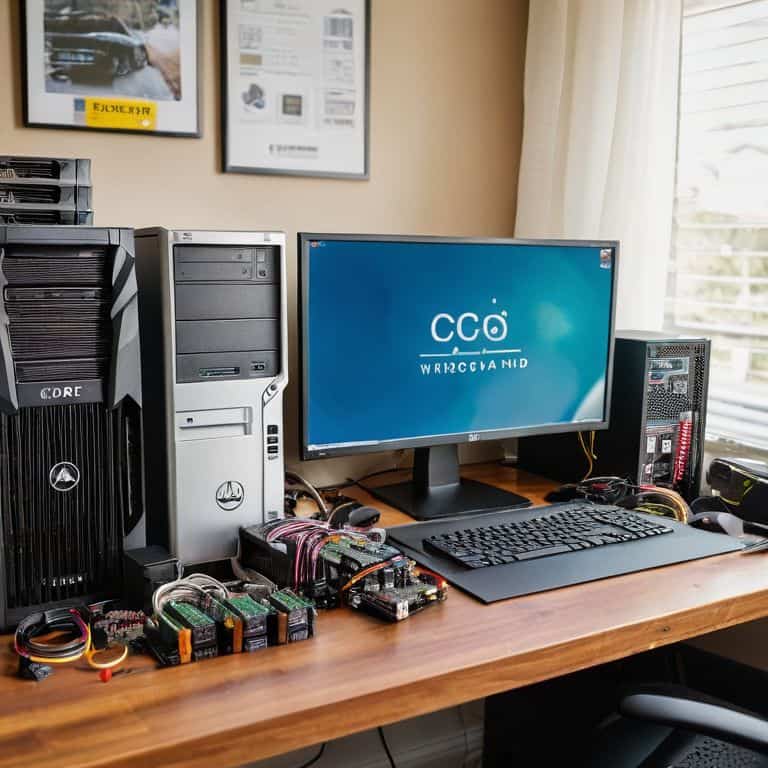
I still remember the first time I tried to build my own PC – I was overwhelmed by the numerous options and conflicting opinions on what components to choose. The so-called “expert” guides I found online only seemed to confuse me further, throwing around technical terms like “CPU clock speed” and “GPU memory” without explaining what they actually meant in simple terms. That’s why I’m excited to share with you a guide to choosing pc components that actually makes sense, one that I wish I had when I was starting out.
In this article, I’ll cut through the hype and give you practical advice on how to select the perfect components for your needs. We’ll break down the process into manageable steps, and I’ll share my own experiences, including the mistakes I made along the way. By the end of this guide, you’ll be equipped with the knowledge to make informed decisions and build a PC that meets your specific requirements, whether you’re a gamer, a video editor, or just someone who wants a reliable machine for everyday use.
Table of Contents
- Guide Overview: What You'll Need
- Step-by-Step Instructions
- A Guide to Choosing Pc Components
- 5 Essential Tips for Choosing the Perfect PC Components
- Key Takeaways for Choosing the Perfect PC Components
- Choosing the Right Path
- Conclusion: Building Your Dream PC with Confidence
- Frequently Asked Questions
Guide Overview: What You'll Need
Total Time: 2 hours 30 minutes
Estimated Cost: $500 – $2000
Difficulty Level: Intermediate
Tools Required
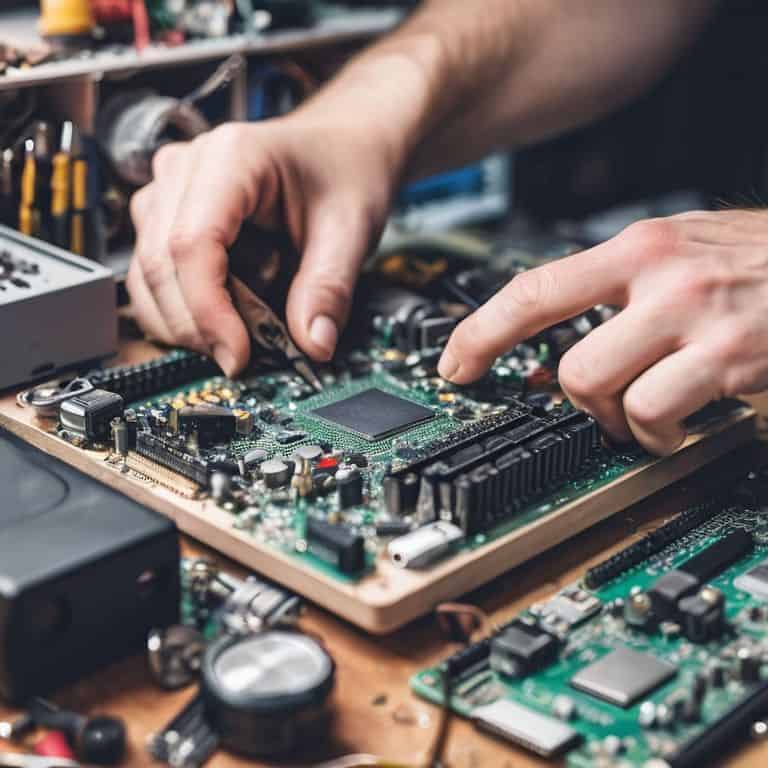
- Screwdriver (both flathead and Phillips)
- Torx Driver (for certain CPU coolers)
- Pliers (for gripping small components)
- Wire cutters (for cable management)
Supplies & Materials
- CPU Choose from AMD or Intel
- Motherboard Ensure compatibility with chosen CPU
- RAM At least 16 gigabytes recommended
- Storage Options include hard disk drives or solid state drives
- Power Supply Wattage depends on system requirements
- Graphics Card Optional, but necessary for gaming or graphics-intensive tasks
- Case Should be at least 12 inches in height to accommodate most components
Step-by-Step Instructions
- 1. First, let’s identify your needs by considering what you plan to use your PC for – whether it’s gaming, video editing, or just basic office work. This will help us narrow down the components you’ll need, making the process less overwhelming. Take a few minutes to think about your specific requirements and write them down.
- 2. Next, we’ll start with the brain of the operation, the CPU (Central Processing Unit). You’ll need to decide between AMD and Intel, each having its own strengths. For example, if you’re into gaming, you might want to look into AMD’s Ryzen series for its multithreading capabilities. Make a note of which CPU you’re interested in, as this will influence your other component choices.
- 3. Now, let’s talk about the motherboard – the main circuit board that connects all your components together. When choosing a motherboard, ensure it’s compatible with your CPU. Look for features like USB ports, SATA ports, and an HDMI output. Consider what future-proofing features you might need, such as PCIe 4.0 support.
- 4. Moving on to memory and storage, you’ll need to decide on your RAM (Random Access Memory) and whether you want a Hard Disk Drive (HDD), Solid State Drive (SSD), or a combination of both. For most users, at least 16GB of RAM is recommended, and an SSD as your primary drive for its speed benefits.
- 5. Choosing your graphics card can be one of the more daunting tasks, especially if you’re a gamer. You’ll need to decide between integrated graphics (which come with some CPUs) or a separate graphics card. If you’re not into gaming, integrated graphics might suffice. However, for serious gaming or graphics work, a dedicated graphics card from NVIDIA or AMD is essential.
- 6. Next up is the power supply unit (PSU), which provides power to all your components. When selecting a PSU, consider the total wattage you’ll need based on your components. A higher wattage PSU doesn’t always mean better, but it does offer more headroom for upgrades. Look for a PSU with high efficiency (80 PLUS Gold certified, for example) to save on electricity and reduce heat.
- 7. Finally, think about the case and cooling for your PC. The case needs to be big enough to fit all your components comfortably and should have good airflow to keep everything cool. Consider whether you want a liquid cooling system for its quiet operation and efficient cooling, especially if you plan on overclocking your CPU or GPU. This step is crucial for the longevity and performance of your PC.
A Guide to Choosing Pc Components
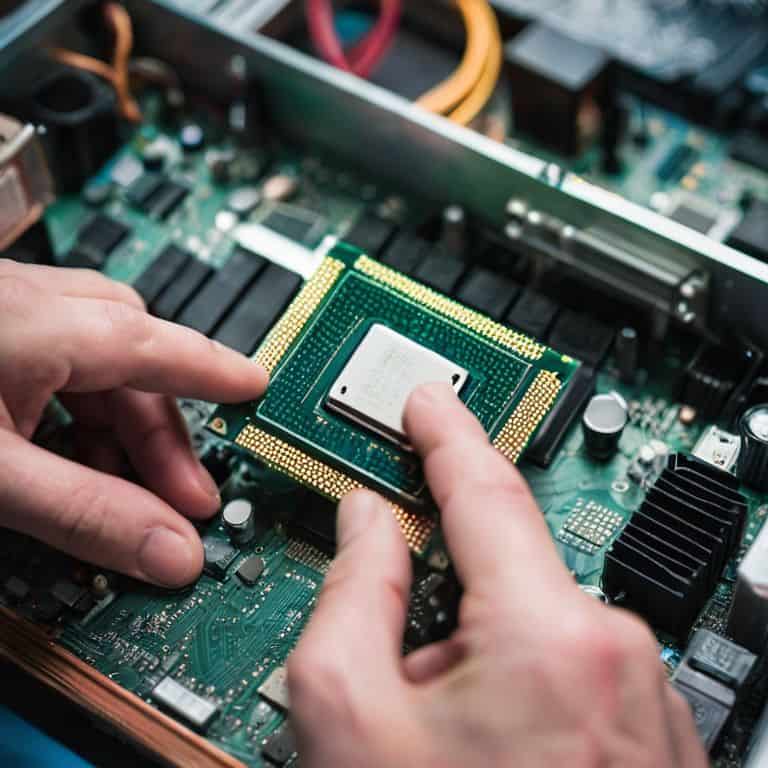
As we dive deeper into the world of PC building, it’s essential to consider pc building for beginners. This involves understanding the fundamentals of how each component interacts with others. For instance, when selecting a CPU, you’ll want to ensure it’s compatible with your chosen motherboard socket type. A mismatch can lead to costly mistakes and frustrations down the line.
To avoid such pitfalls, I recommend creating a ram compatibility checklist to ensure all your components work seamlessly together. This simple step can save you a significant amount of time and hassle in the long run. Additionally, considering your budget gaming pc builds can help you make informed decisions about which components to prioritize.
When it comes to upgrading your PC, understanding the pc component upgrade cycle is crucial. This knowledge will help you plan and make strategic upgrades, rather than randomly swapping out parts. For example, overclocking cpu and gpu can be a great way to breathe new life into an older system, but it requires careful consideration of your cooling system and power supply. By taking a thoughtful and informed approach, you can create a PC that meets your needs and provides years of reliable service.
Overclocking Cpu and Gpu Next Level Performance
Now that we’ve covered the basics, let’s dive into overclocking your CPU and GPU for next-level performance. Overclocking can be intimidating, but with the right approach, it’s a great way to squeeze out extra power from your components. I always recommend starting with small, incremental increases and monitoring your system’s temperature and performance.
For CPU overclocking, you’ll want to focus on adjusting the clock speed and voltage. Be cautious not to push too hard, as this can lead to overheating and damage. GPU overclocking, on the other hand, often involves tweaking memory and shader speeds. Remember, Have you tried turning it off and on again? – it’s amazing how often a simple reboot can resolve issues. By taking a methodical approach to overclocking, you can unlock significant performance gains and take your PC to the next level.
Pc Building for Beginners Starting Strong
As a beginner, it’s essential to start with the basics. I always recommend beginning with the CPU, as it’s the brain of your operation. From there, you can choose a compatible motherboard that fits your needs. Don’t worry too much about the intricacies – I’ll walk you through it. My mantra is: have you tried turning it off and on again? Okay, not quite yet, but we’ll get to troubleshooting later. For now, let’s focus on building a solid foundation.
When selecting your components, remember that it’s all about balance. You don’t need to break the bank on the most expensive parts, but you also don’t want to skimp on quality. I like to think of it as building a recipe – you need the right ingredients in the right proportions to get the best results. In the next section, we’ll dive deeper into specific component choices, but for now, just remember to take your time and have fun with the process.
5 Essential Tips for Choosing the Perfect PC Components
- Consider Your Budget: Before selecting any components, decide how much you’re willing to spend and stick to it to avoid overspending
- Assess Your Needs: Think about what you’ll be using your PC for – gaming, video editing, or general use – to determine the required specs
- Research Compatible Components: Ensure that your chosen CPU, motherboard, and RAM are compatible to avoid costly mistakes
- Check for Future-Proofing: Choose components that will remain relevant in the near future, such as those with the latest technologies and standards
- Read Reviews and Benchmarks: Look up reviews from reputable sources and check benchmarks to get an idea of how your chosen components will perform in real-world scenarios
Key Takeaways for Choosing the Perfect PC Components
Always prioritize your specific needs when selecting PC components, considering factors like budget, intended use, and any special requirements for graphics, processing, or storage
Building a PC is a highly customizable process, and understanding the basics of compatibility and optimization can help you make informed decisions and avoid costly mistakes
By following a step-by-step approach to choosing and assembling your PC components, you can ensure a smooth and successful build, even if you’re a beginner, and enjoy a powerful and efficient machine tailored to your needs
Choosing the Right Path
The key to building a great PC isn’t just about picking the most powerful components, it’s about understanding how each piece fits into the puzzle of your specific needs, and that’s where the real magic happens.
Leo Maxwell
Conclusion: Building Your Dream PC with Confidence
As we conclude this journey through the world of PC components, it’s essential to recall the key takeaways: understanding your needs, choosing the right CPU, motherboard, RAM, storage, and GPU, and considering factors like power supply and cooling. By following these step-by-step guidelines, you’ve taken the first significant steps towards building a PC that not only meets but exceeds your expectations. Remember, the process of selecting PC components is all about finding the perfect balance between performance, budget, and personal preference.
Now that you’ve armed yourself with this knowledge, it’s time to bring your vision to life. Don’t be afraid to experiment, to try new things, and to push the boundaries of what your PC can do. With the right components and a bit of patience, you’ll be enjoying your dream machine in no time. So, go ahead, take the leap, and discover the limitless possibilities that await you in the world of PC building.
Frequently Asked Questions
What are the most important factors to consider when choosing PC components for my specific needs?
When choosing PC components, I always say start with your specific needs. What will you be using your PC for? Gaming, video editing, or just browsing the web? Consider your budget, desired performance, and any specific features you require, like Wi-Fi or Bluetooth. Let’s break it down together, step by step.
How do I balance my budget with the performance requirements of my desired PC build?
To balance budget and performance, I recommend prioritizing your needs: what will you use your PC for most? Allocate your budget accordingly, focusing on the components that matter most for your specific use case, such as a powerful GPU for gaming or a fast CPU for video editing.
Are there any specific component combinations that are known to be compatible or incompatible with each other?
When it comes to component compatibility, I always say, “Have you checked the manufacturer’s specs?” Some CPU and motherboard combos are notorious for being finicky, while others, like NVIDIA and AMD graphics cards with compatible motherboards, can be a match made in heaven. Let’s break it down step by step to ensure your build is harmonious.